

Front & Back Camera Recording
About
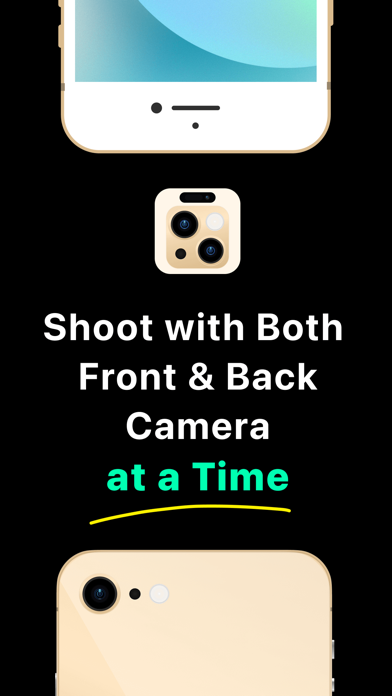
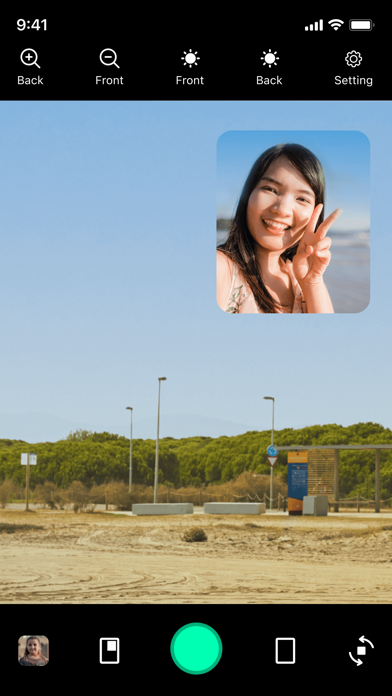
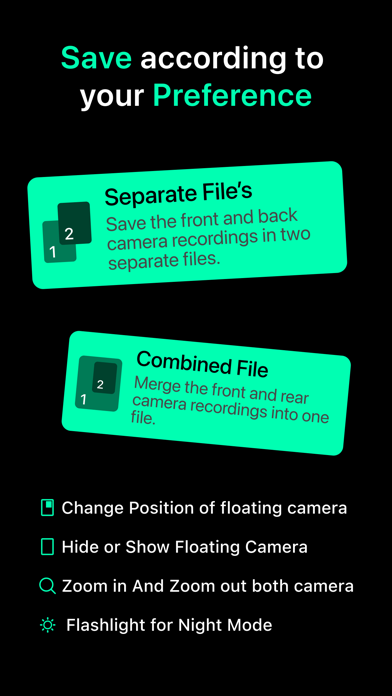
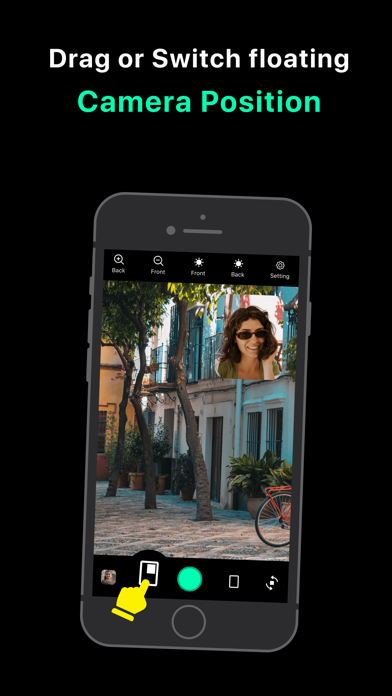
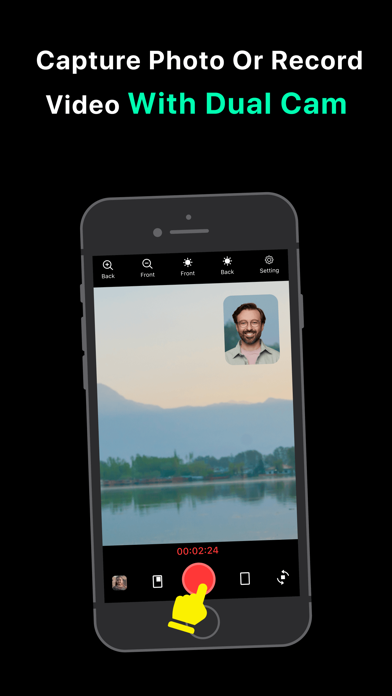
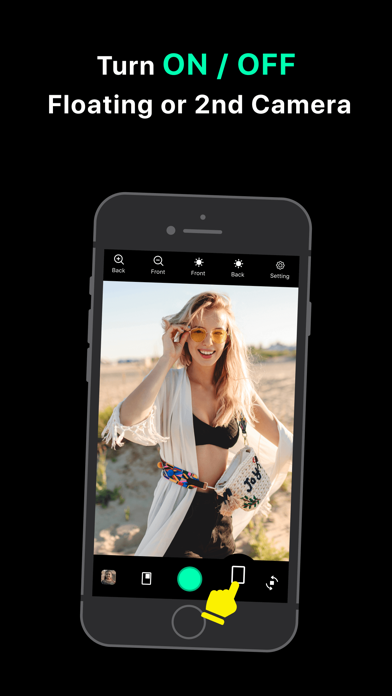
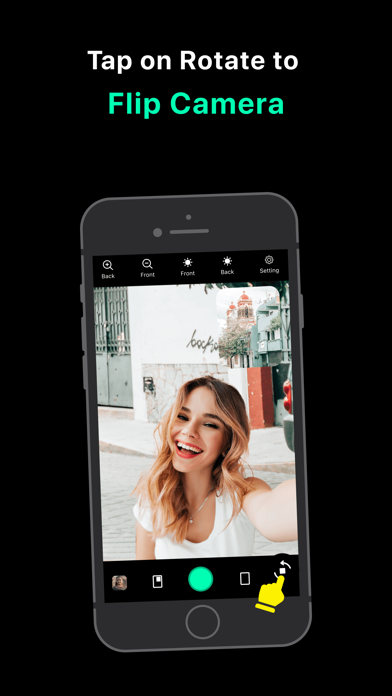
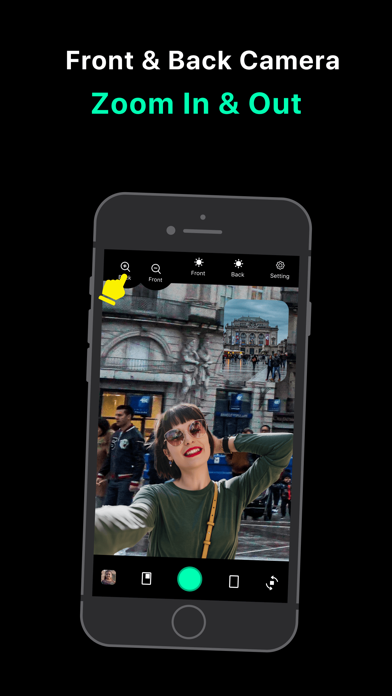
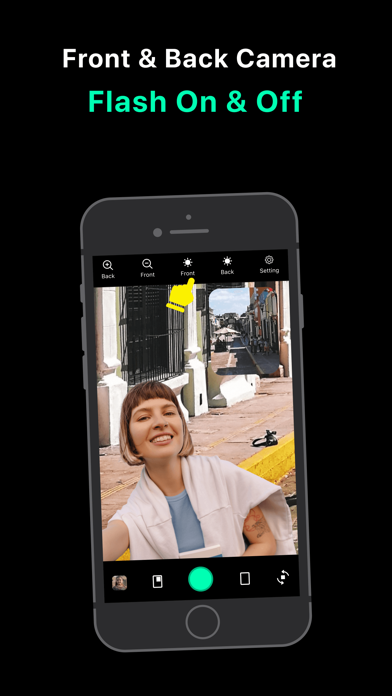
Dual Cam can simultaneously take photos or record videos with the front and back camera.The app support:- save as separate or combined photo & video- capture photo's or record video's in dual mode- zoom for both front & back cameras- flash light for both front & back cameras- turn ON/OFF dual camera- drag & shift floating camera location - Additionally, switch between cameras while recording.Finally, it's possible to capture photographs and videos from multi cameras simultaneously! Simultaneously record video with your front and rear cameras to reveal the true environment. You may now share both sides of the story to your friends and followers on social networks.Note : The supported device versions are iPhone 11, iPhone 11 Pro, iPhone 11 Pro Max, iPhone 12, iPhone 12 Pro, iPhone 12 Pro Max
Screenshots
How to install Front & Back Camera Recording on iOS
- Download UnKeySign on your iPhone
- Import Front & Back Camera Recording IPA into UnKeySign
- Add your P12 certificate and provisioning profile
- Tap Sign — the app installs automatically