

Fonts for Stories and Chats
About
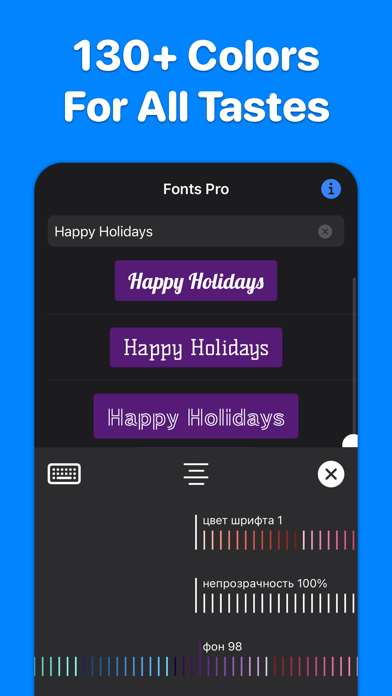
200+ best fonts for your Stories and Reels!Each font can be flexibly customized: change color, transparency, alignment, add color substrates. More than 130 colors available.INSTAGRAM1. Select “Create Story” or “Create Reels” on Instagram.2. Open our application, enter the text you want, select the font you like by simply clicking on it. The font will be copied to the clipboard.3. Go back to Instagram. A banner with the copied font will appear in the lower left corner. Click on the banner. The font is added to the center of the screen.4. If the banner in the lower left corner does not appear, click on the Add text icon in Instagram, make a quick double-click on the center of the screen and select Insert from the menu that appears.5. Adjust the position, slant and size of the font, if necess
Screenshots



How to install Fonts for Stories and Chats on iOS
- Download UnKeySign on your iPhone
- Import Fonts for Stories and Chats IPA into UnKeySign
- Add your P12 certificate and provisioning profile
- Tap Sign — the app installs automatically