

Flow Wallpapers
About
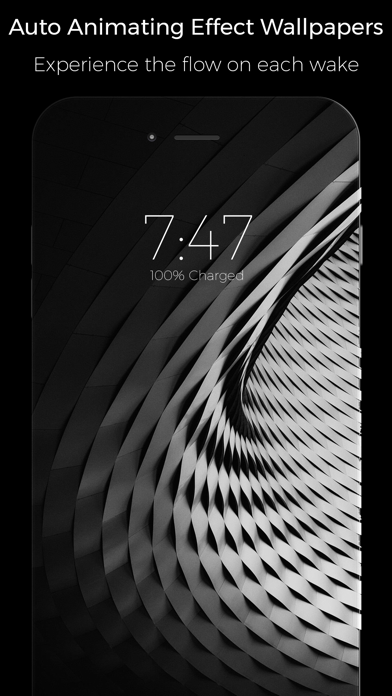
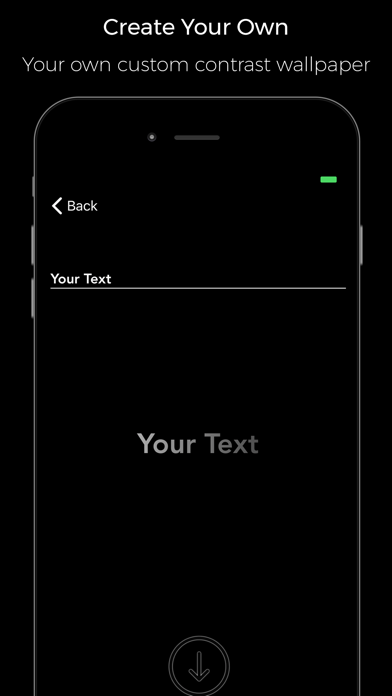
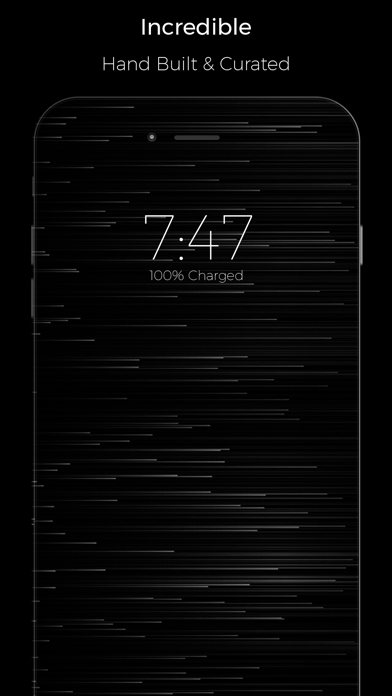
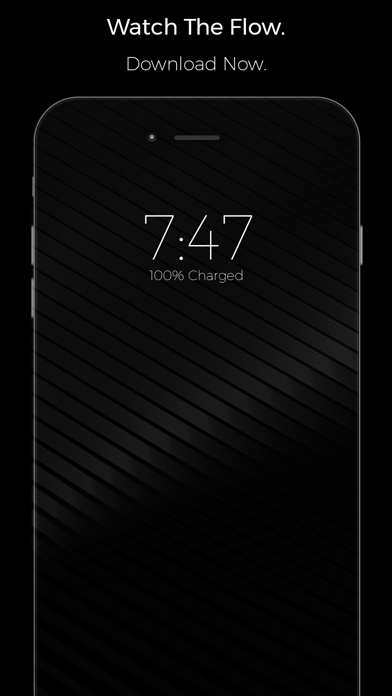
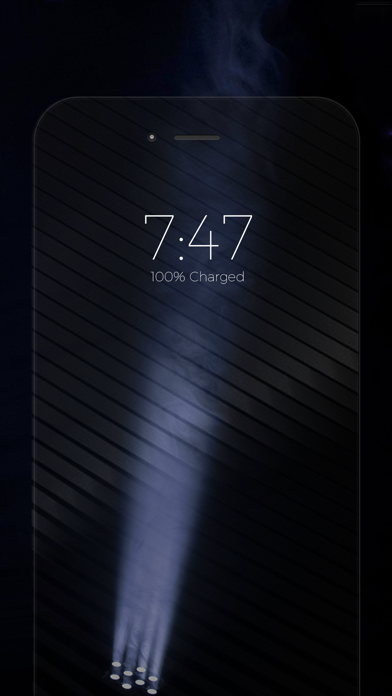
Flow is one of a kind app that achieves a state of animation using various color shades and contrast levels which will greet you with a gentle animation when you raise to wake or open your lock screen. Flow wallpapers are specific wallpaper that have been tested hundreds of times in order to get the perfect shades and contrast levels that will look best on your device. With flow you can generate your own wallpaper, with your own text which will behave the same way, this is done in device and in a brief period of time. More wallpapers are added. To set a wallpaper simply save one to your photos library and go to the Settings app>Wallpapers>Camera Roll and choose the wallpaper you just saved, you can either set it as still or perspective both will work fine and set it on your lock screen
Screenshots

How to install Flow Wallpapers on iOS
- Download UnKeySign on your iPhone
- Import Flow Wallpapers IPA into UnKeySign
- Add your P12 certificate and provisioning profile
- Tap Sign — the app installs automatically