

Find Lost Bluetooth Device Pro
About
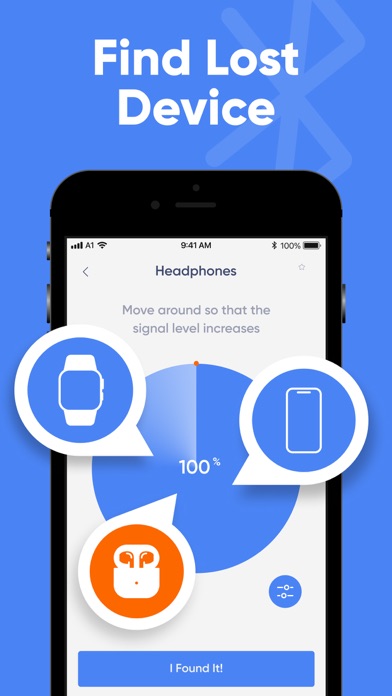
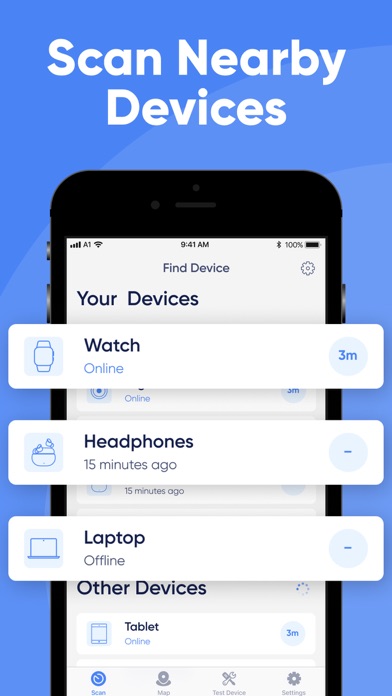
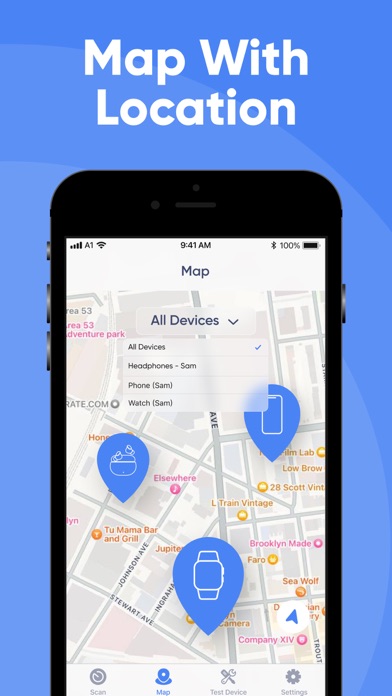
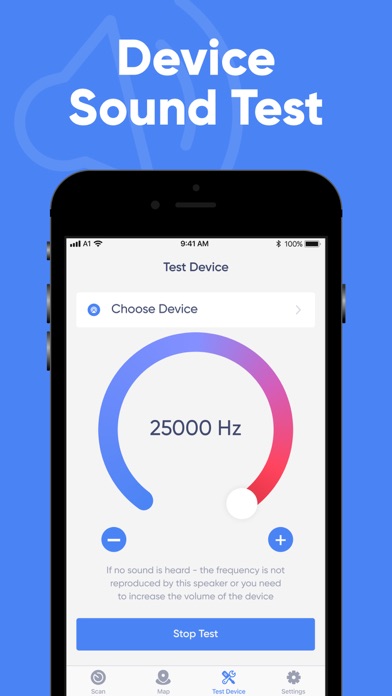
Do you need to find your lost watch, phone or other Bluetooth device? Our app will handle this problem and will help you quickly find your lost device! To do this, just open the app and select the device that has been lost. The app will find the location of the lost device itself and will estimate the distance to it. You will only have to follow the radar; the readings of the distance indicators will change as you approach the lost device. Also, you will be notified by the corresponding scanner signal when approaching it. An important condition is that the lost device must be on and charged. A Bluetooth signal is required to locate the device. Our app also allows you to test the sound of your devices. The app generates sound at frequencies ranging from 0 to 25,000 Hz, which allows you t
Screenshots
How to install Find Lost Bluetooth Device Pro on iOS
- Download UnKeySign on your iPhone
- Import Find Lost Bluetooth Device Pro IPA into UnKeySign
- Add your P12 certificate and provisioning profile
- Tap Sign — the app installs automatically