

FileBrowser Professional
About
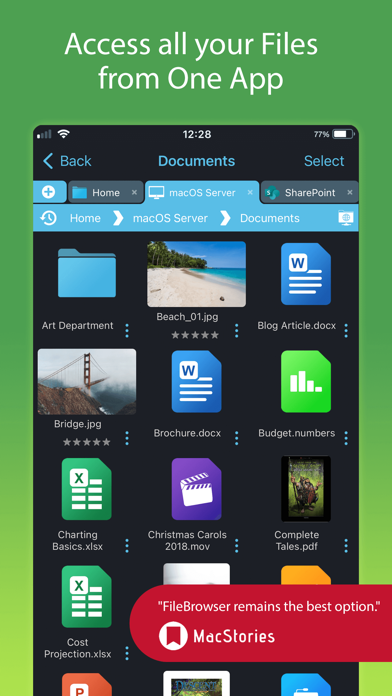
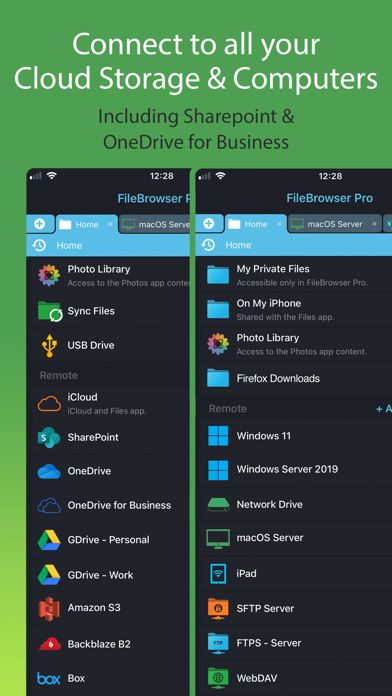
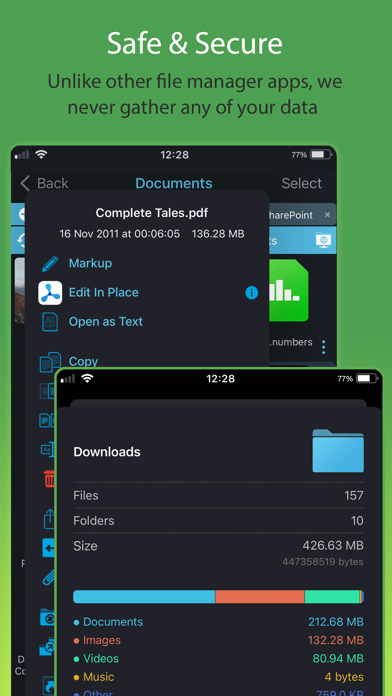
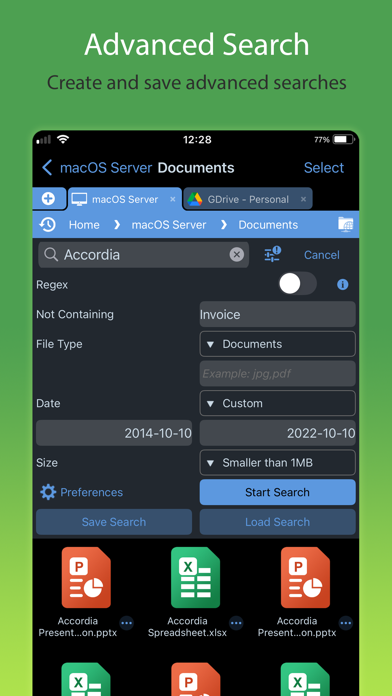
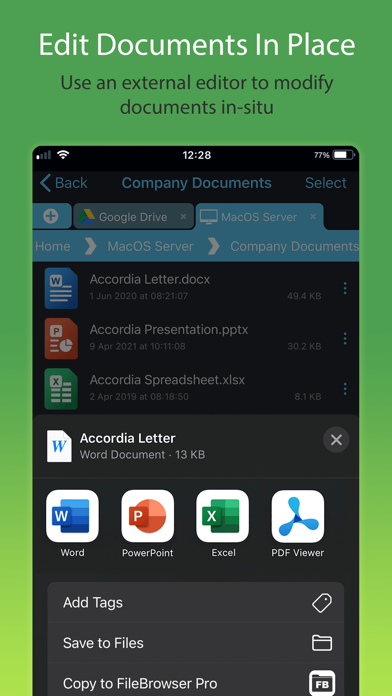
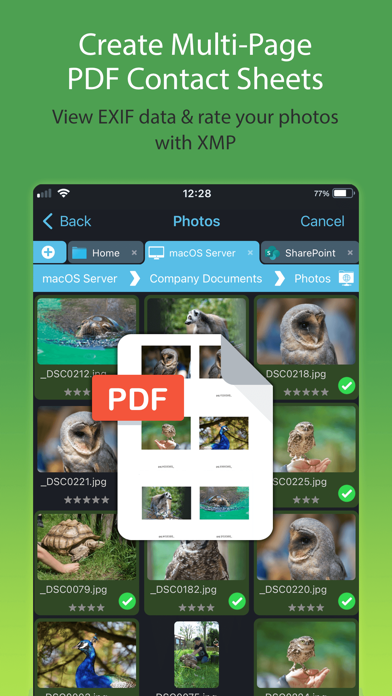
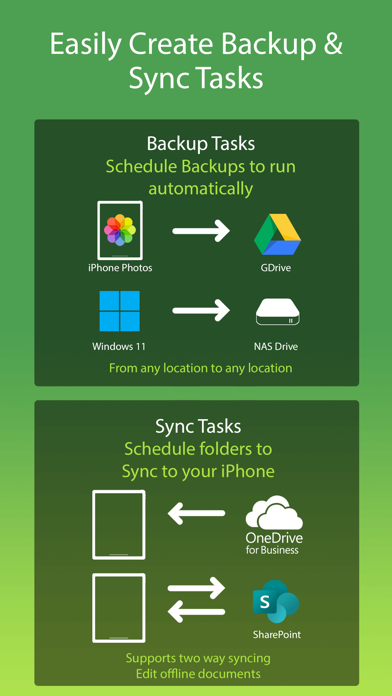
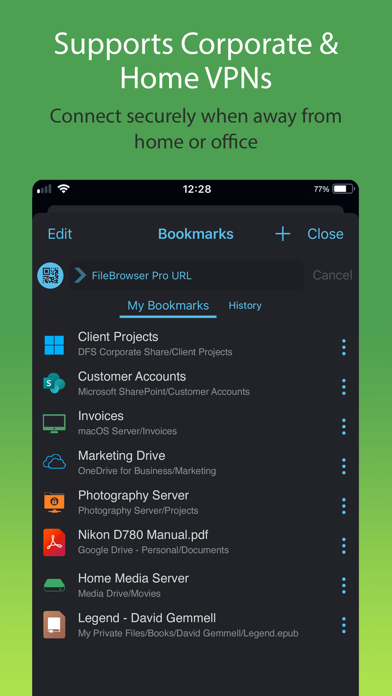
Professional document management for iOS, with bulk rename, backup and sync tasks. Edit your documents in-place, stream your media files and connect to over 20 different network and cloud storage locations. “Maximize the potential of what you can do with files on iOS” - Cult of Mac “FileBrowser remains the best option” - MacStories Direct and secure file access to your computers, servers and other storage devices on home or corporate networks. No additional configuration of corporate IT systems is necessary. Core Features - Access file servers and cloud storage - View documents and optionally store them for offline viewing - Present a video, PowerPoint or Keynote direct from the server - Copy and move between any type of storage, from single files to whole directories - Bi-directional a
Screenshots

How to install FileBrowser Professional on iOS
- Download UnKeySign on your iPhone
- Import FileBrowser Professional IPA into UnKeySign
- Add your P12 certificate and provisioning profile
- Tap Sign — the app installs automatically