

FileBrowser: Documents Manager
About
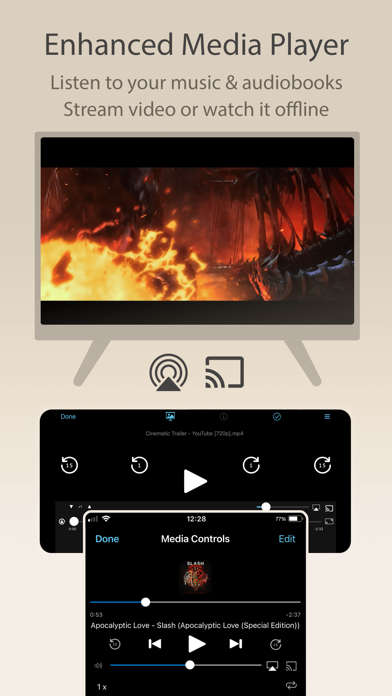
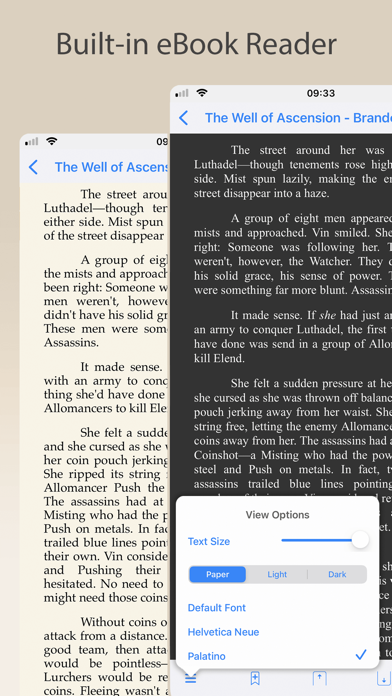
Use your iPad or iPhone to connect to your home computers, network drives and cloud storage. Easily upload/download/copy files and folders from one location to another, and browse your content using a variety of built-in viewers. *** FileBrowser remains the best option if you're looking for a file manager that supports a variety of external connections and also integrates deeply with iOS - Federico Viticci - MacStories *** *** FileBrowser's setup varies for every device, and the automatic wizards work super-well. Charlie Sorrel - Cult of Mac *** Ultra-fast browsing of your computers. Faster than Windows Explorer or Mac Finder and our users agree! GET ORGANIZED FileBrowser gives you everything you need to keep your files effortlessly organized: Move, edit, delete, rename, copy, zip and
Screenshots




How to install FileBrowser: Documents Manager on iOS
- Download UnKeySign on your iPhone
- Import FileBrowser: Documents Manager IPA into UnKeySign
- Add your P12 certificate and provisioning profile
- Tap Sign — the app installs automatically