

File Hub by imoreapps
About
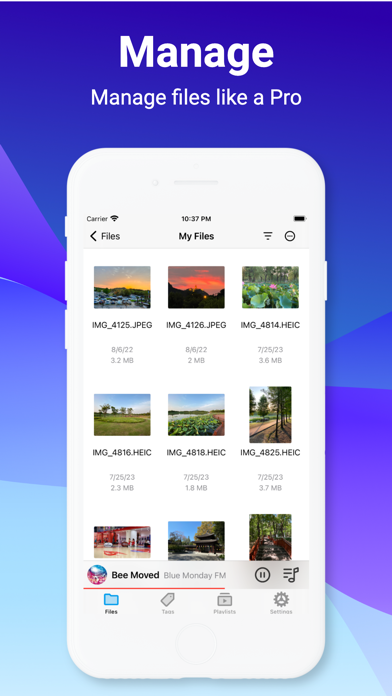
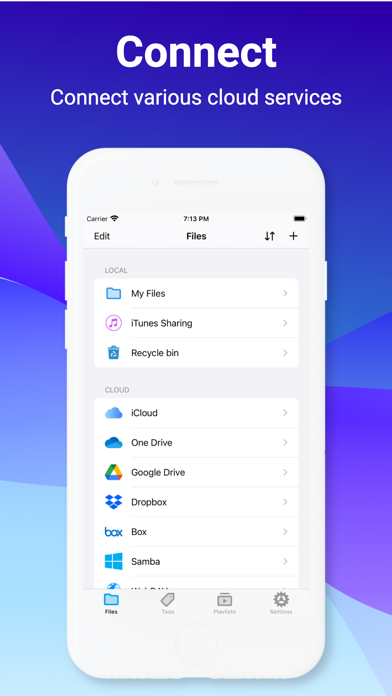
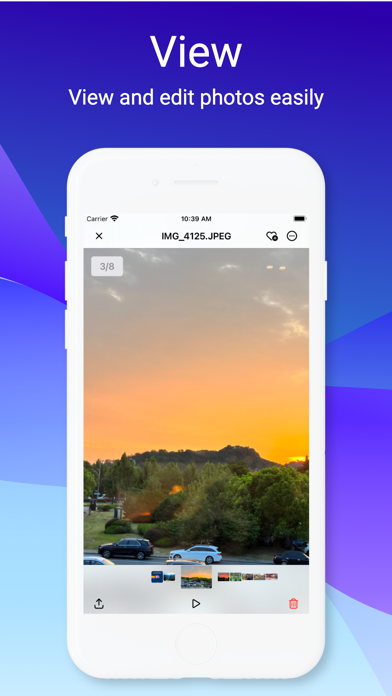
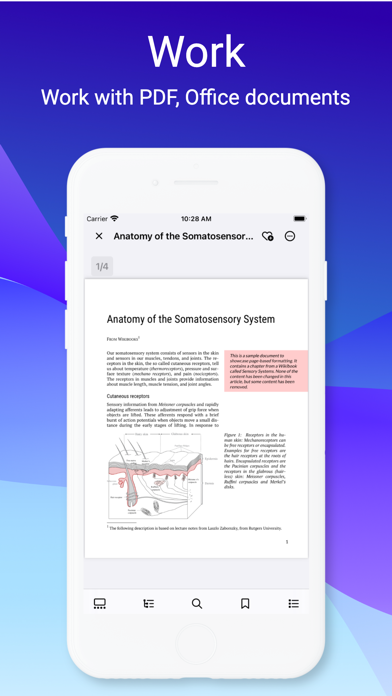
A better way to manage files on iOS device. It helps user accessing the most popular cloud services and old fashion NAS/WebDAV/FTP/SFTP servers, viewing PDF, Office documents and playing most of audio/video formats without convert hassles. Millions use File Hub every day to manage their files. KEY FEATURES: ■ File Manager • Supports local storage and Recycle bin. • Supports iCloud, OneDrive, Google drive, Dropbox, Box cloud services. • Supports FTP, SFTP, WebDAV & Windows Samba servvers. • Support for file collection and tagging. • More than 40+ file types support. • Multiple view modes support. • Sort files by "Name", "Date", "Size", "Kind" fields. • Unarchive ZIP, RAR, 7-zip, CBZ, CBR, TAR, BZ2, GZ files. • Network Task Manager supports uploading and downloading of files and directori
Screenshots



How to install File Hub by imoreapps on iOS
- Download UnKeySign on your iPhone
- Import File Hub by imoreapps IPA into UnKeySign
- Add your P12 certificate and provisioning profile
- Tap Sign — the app installs automatically