

Feelca
About
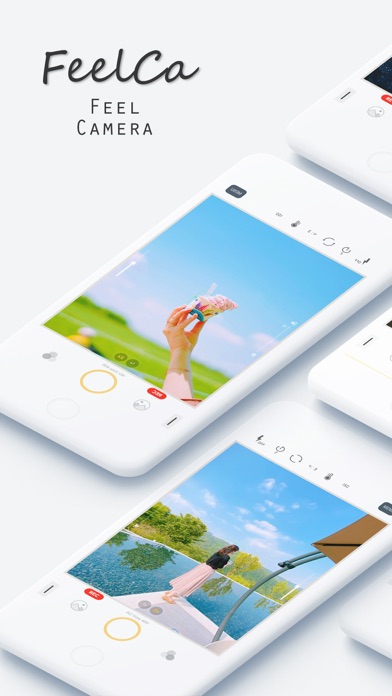
The Feelca app provides a film-like filter and mirrorless camera functions.You can take a variety of emotional pictures with the perfect manual function.You can also Video Record Function.● Photo Edit functionsDate Print, Grain Level, Soft Skin, Film / FilterAdjust functions : Brightness, Contrast, Saturation, White Balance, Vignette, Sharpen, Blur, Highlight, Shadow● Video Edit functionsSoft Skin, Film / FilterAdjust functions : Brightness, Contrast, Saturation, White Balance, Vignette● Support Multi CamerasDual, Triple● Manual Camera functionsShutter Speed, ISO, White Balance, Manual Focus● Film Camera functionsFilm like filters, Date print, Grain Level● Mirrorless Camera functionsShutter Speed Lock/Auto, ISO Lock/Auto, Manual Focus Assist● Easy to useYou can easily apply filters with a
Screenshots


How to install Feelca on iOS
- Download UnKeySign on your iPhone
- Import Feelca IPA into UnKeySign
- Add your P12 certificate and provisioning profile
- Tap Sign — the app installs automatically