

Faker - Fake Notifications
About
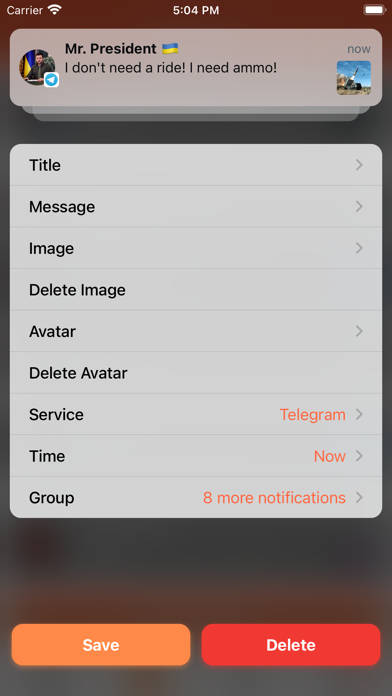
Simulate Notifications using the top most realistic and pixel perfect tool "Faker - Fake Notifications"! Have fun or make your friends confused or jealous by following these 4 easy steps:1. Add Notification in the app.2. Create New MOST REALISTIC Fake screen with any wallpaper.3. Save it to your gallery and put as Wallpaper or share it to friend's iPhone.4. Show it to your friend and check his reaction! Buy ьщку packs in order to simulate notifications from all of your favorite messengers, social networks and web-services!Upgrade to "Plus Pack" and you'll get more awesome features:• Create more than 3 predefined Fake Notifications;• Set any time for Notification;• Add more than 1 Notification per fake;• Get more FUN by switching between iOS 17, iOS 15, iOS 13, iOS 11, iOS 10 and iOS 9 Noti
Screenshots




How to install Faker - Fake Notifications on iOS
- Download UnKeySign on your iPhone
- Import Faker - Fake Notifications IPA into UnKeySign
- Add your P12 certificate and provisioning profile
- Tap Sign — the app installs automatically