
Faker 3 - Fake Calls
About
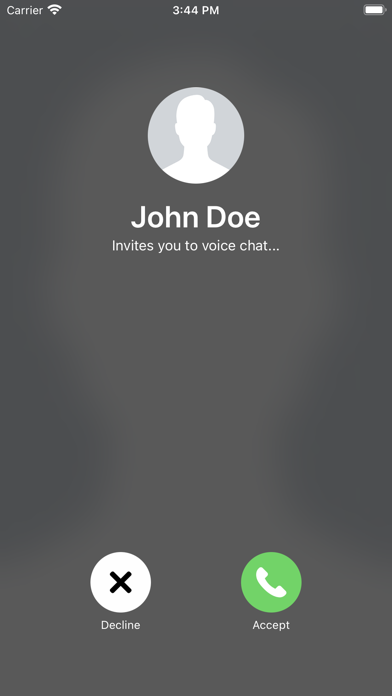
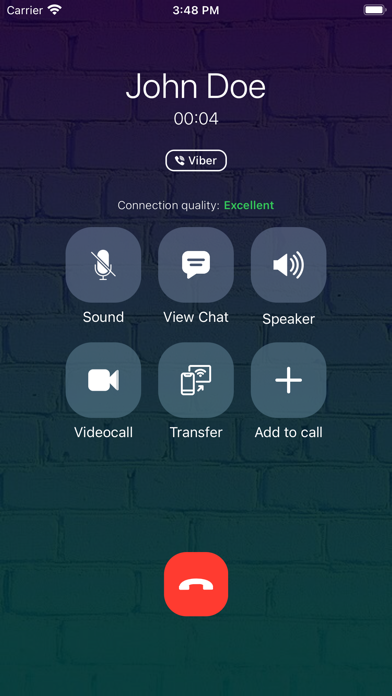
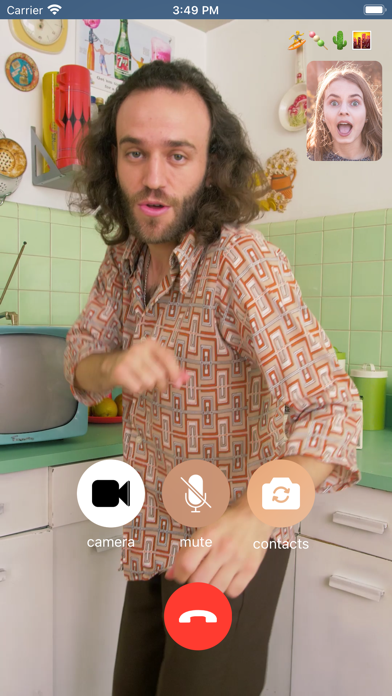
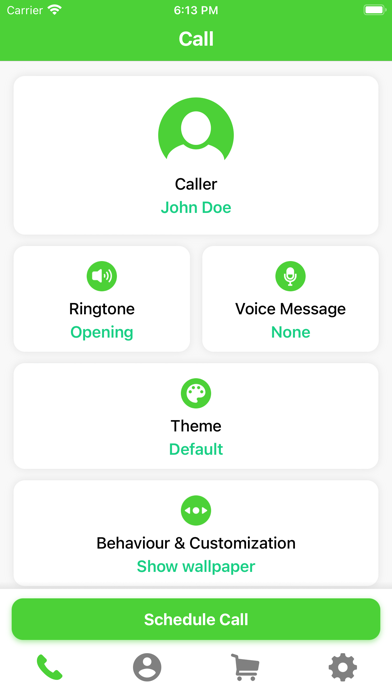
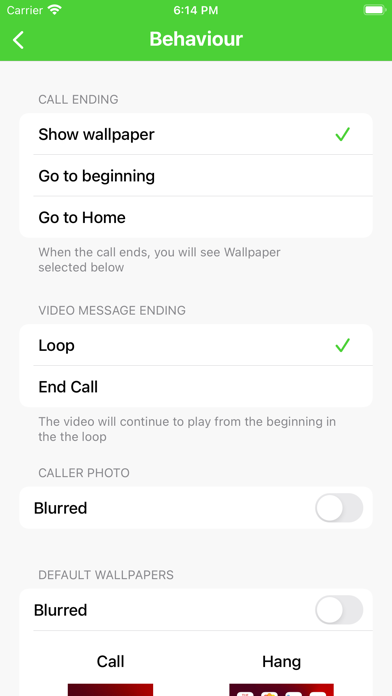
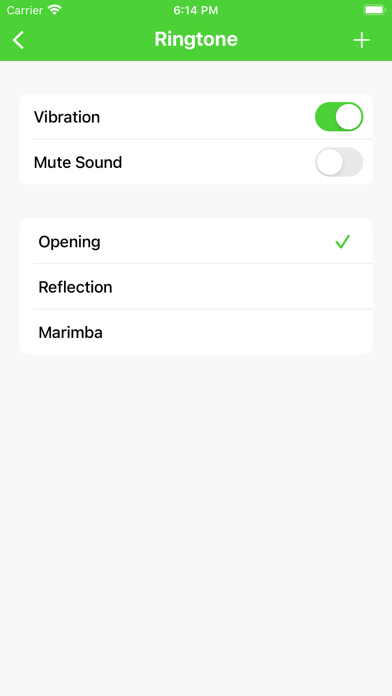
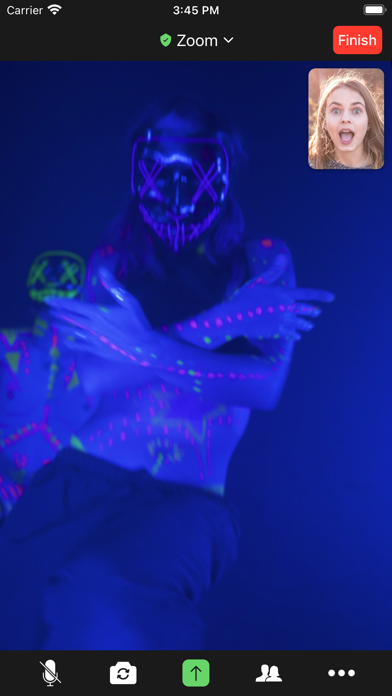
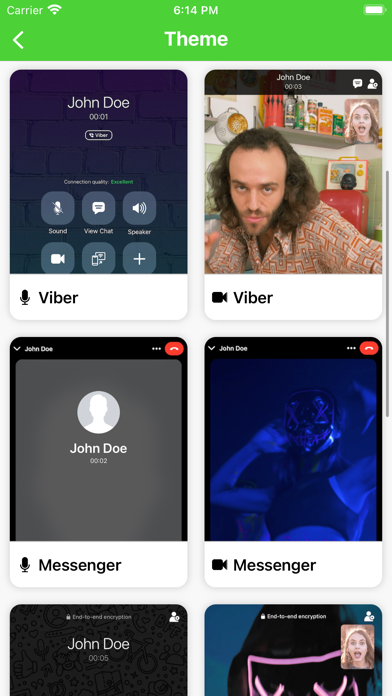
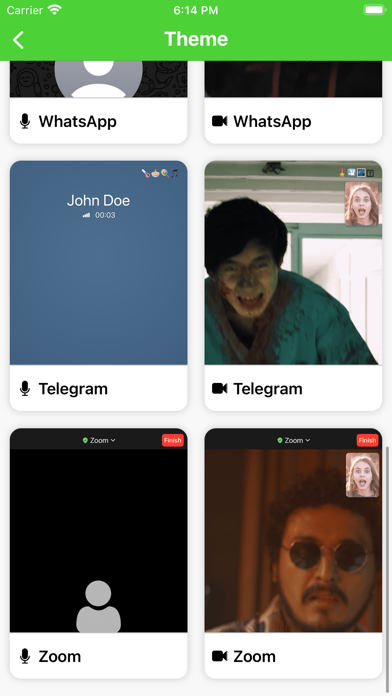
Prank your friends with top most realistic Fake Calls! Have fun or make your friends confused or jealous by following these 3 easy steps: 1. Run the app. 2. Schedule the call. 3. Wait for it! :) Also you can adjust: • Caller information; • Set Ringtone. Also you can Import any ringtone; • Enable/Disable vibration or mute sound at all; • Record* or import any Voice Message. Set it playing right after your friend will answer the call in order to catch him/her off guard; • Customize and adjust behaviour to make it even more realistic! • Switch between Voice and Video Calls! THEMES!** Have fun with realistic and cool themes: • Viber (Audio or Video); • Telegram (Audio or Video); • Messenger (Audio or Video); • WhatsApp (Audio or Video); • Zoom (Audio or Video). *Upgrade to "Faker 3 Plus" a
Screenshots
How to install Faker 3 - Fake Calls on iOS
- Download UnKeySign on your iPhone
- Import Faker 3 - Fake Calls IPA into UnKeySign
- Add your P12 certificate and provisioning profile
- Tap Sign — the app installs automatically