

ES File Explorer
About
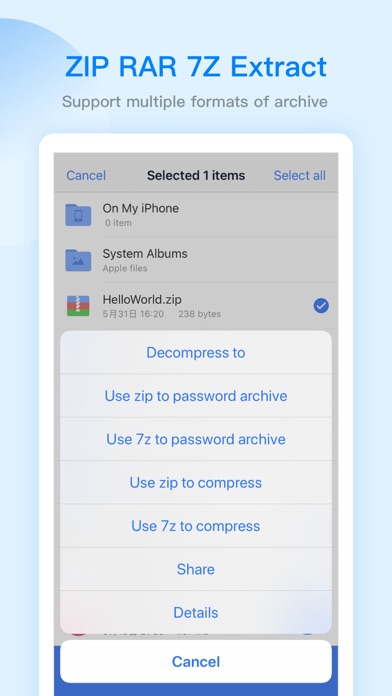
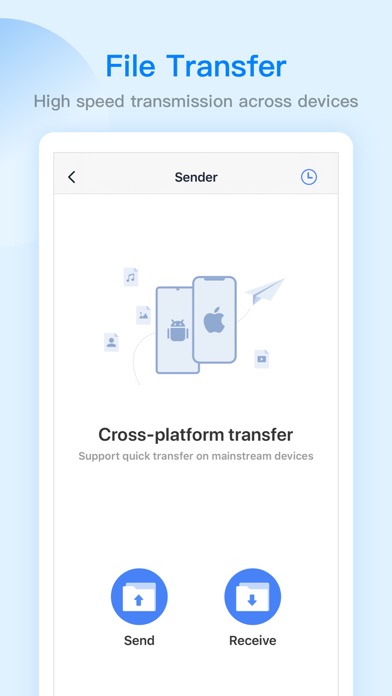
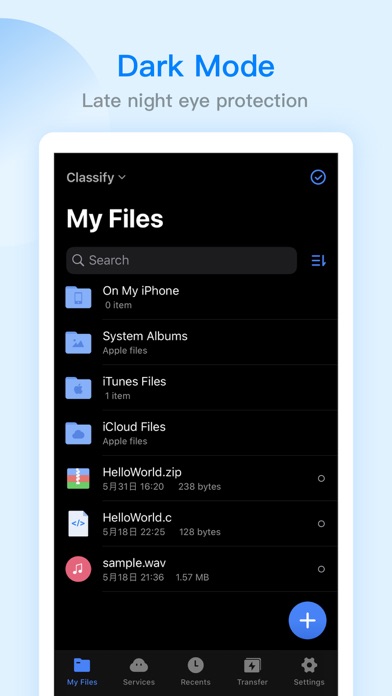
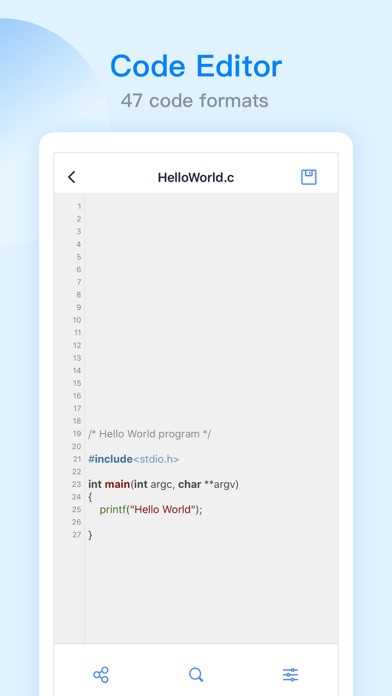
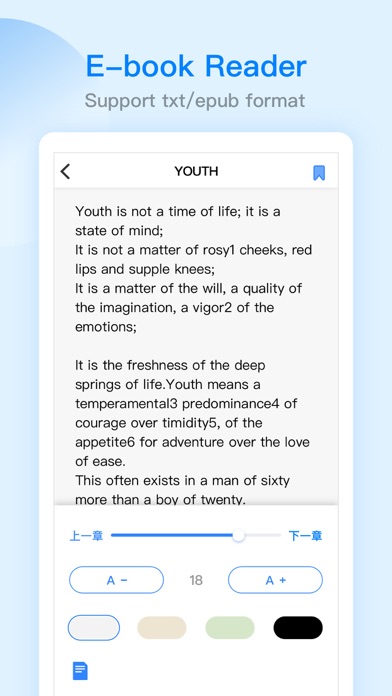
ES File Explorer is a local and network file management tool that can help you manage files easily. 【The main function】 -File management You can create new directories, rename, move, delete files, etc. Support file sorting by name, date, size The iPad version supports features such as split screen, picture-in-picture, and drag-and-drop operations between apps - file transfer WiFi transmission function: support the transfer of files between the mobile terminal and the computer terminal Face-to-face fast transfer function: support for transferring files between mobile phones -Compress and decompress Support the compression and decompression of ZIP, RAR, 7Z format files Support Chinese password -Built-in audio and video player Support functions: double-speed playback (0.5~2.0), background
Screenshots

How to install ES File Explorer on iOS
- Download UnKeySign on your iPhone
- Import ES File Explorer IPA into UnKeySign
- Add your P12 certificate and provisioning profile
- Tap Sign — the app installs automatically