

Erase - Background Eraser
About
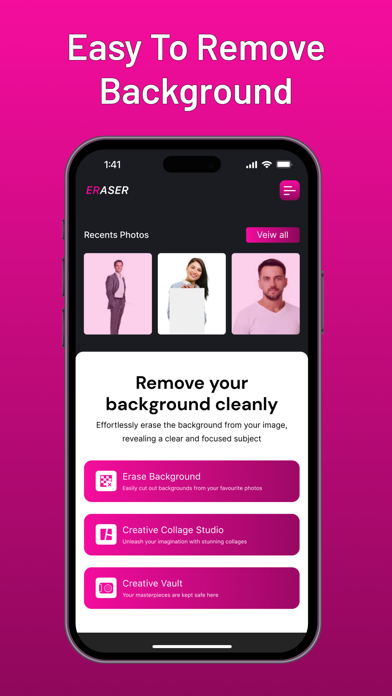
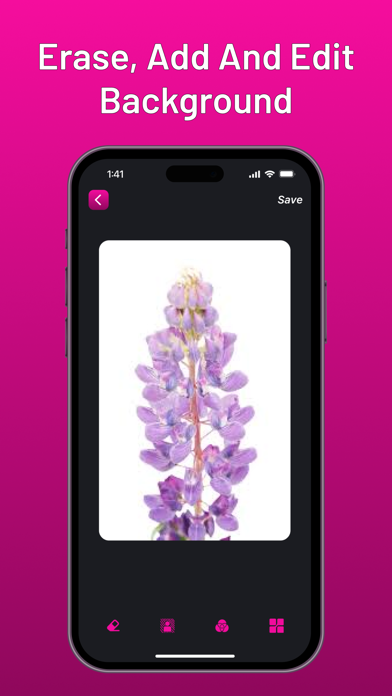
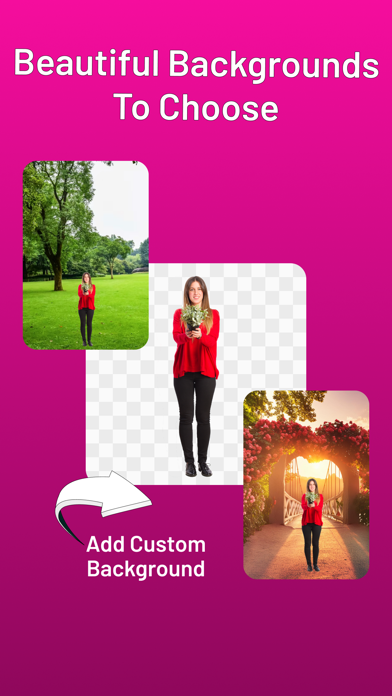
Transform Your Photos Effortlessly with Erase – The Ultimate Tool for Stunning Images and Creative Collages Welcome to Erase, the ultimate photo editing and collage-making app designed to help you create stunning images and artistic collages effortlessly. Whether you're a professional photographer or an avid picture-taker, Erase offers a suite of powerful yet easy-to-use features that make photo editing a breeze. Key Features: Background Eraser: Smart Erase: Automatically detect and remove backgrounds with precision using advanced AI technology. Perfect for creating high-resolution images and enhancing your photo editing experience. Manual Erase: Fine-tune details with our user-friendly manual eraser tool for more control over your edits. Ideal for professional photo tools and easy phot
Screenshots

How to install Erase - Background Eraser on iOS
- Download UnKeySign on your iPhone
- Import Erase - Background Eraser IPA into UnKeySign
- Add your P12 certificate and provisioning profile
- Tap Sign — the app installs automatically