

EpocCam Webcamera for Computer
About
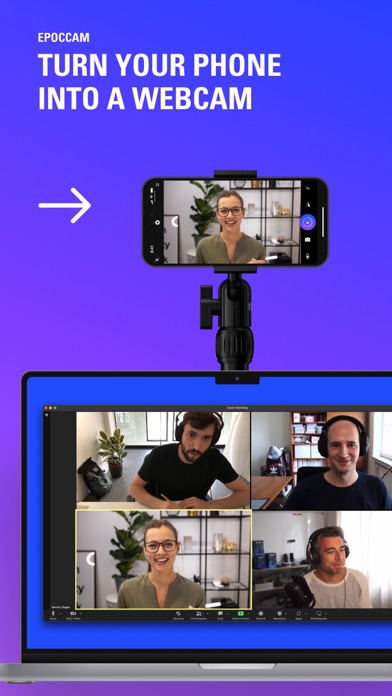
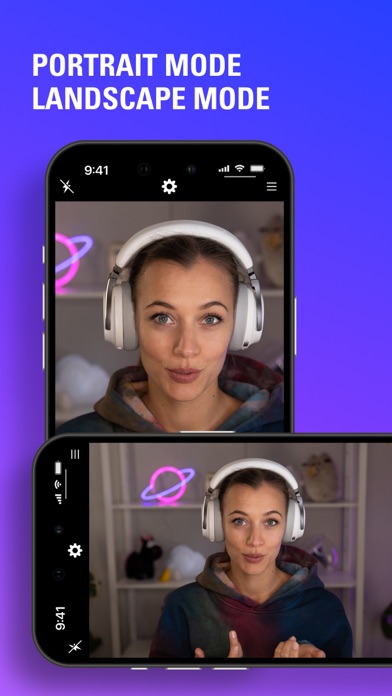
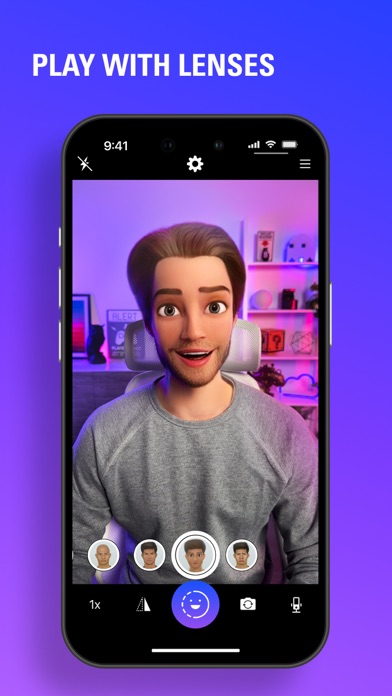
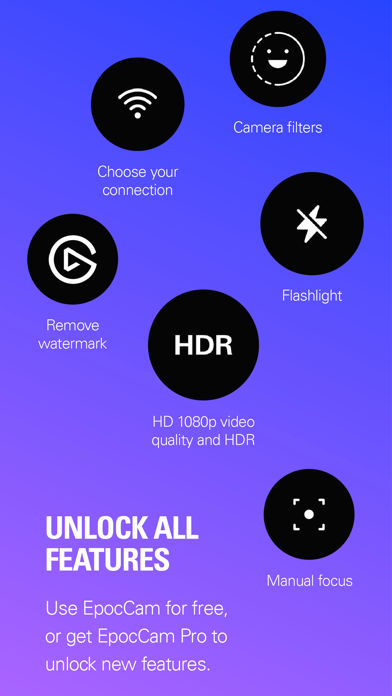
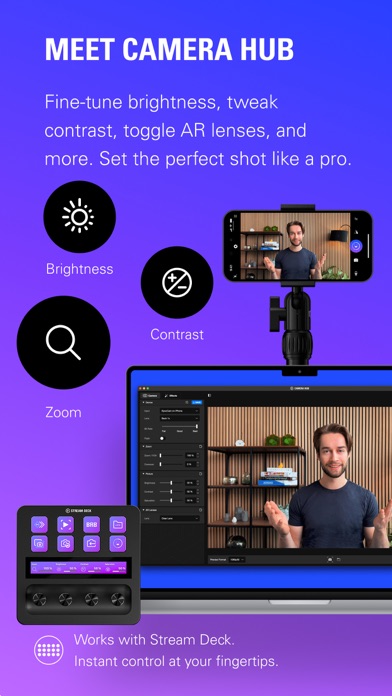
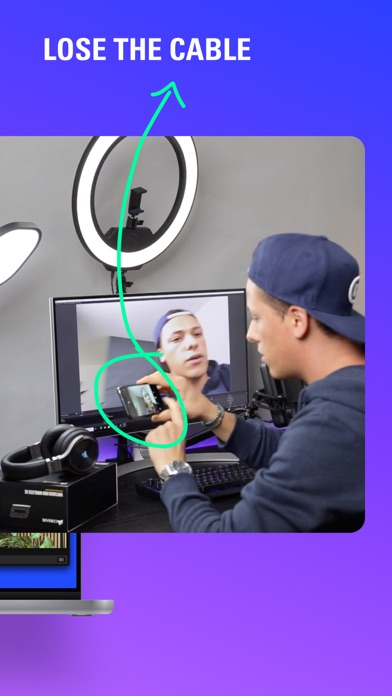
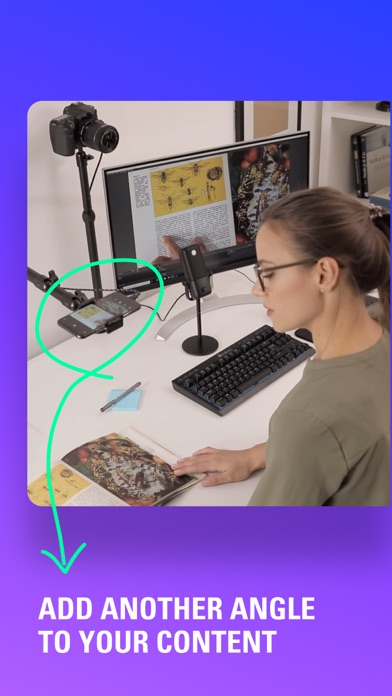
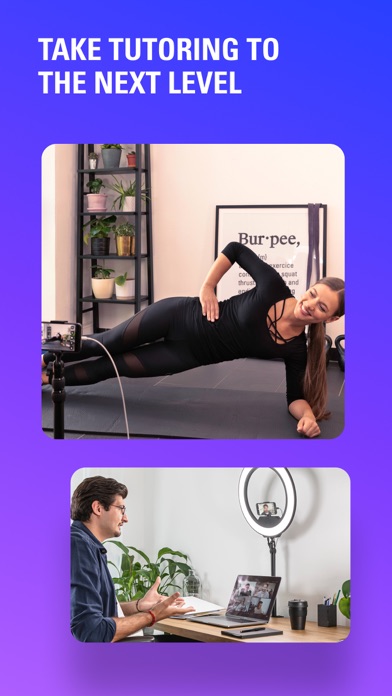
Easily turn your phone into a high definition Mac or PC webcam. Perfect for business, online teaching, live streaming and more, EpocCam works seamlessly with popular video conferencing and broadcast software. Connect via USB or stream camera footage to your PC over Wi-Fi, and move freely while broadcasting anywhere in your local network. Shoot in portrait or landscape mode with background blur or enhanced chroma key. Use gestures to control Snapchat Lenses with AR effects, animations, objects and characters. Easily add a secondary camera angle to your existing setup. With EpocCam drivers installed on your computer, your phone automatically appears as a webcam in apps like OBS Studio, Zoom and Microsoft Teams (Windows PC only). Employ EpocCam to leverage the superior processing power of
Screenshots
How to install EpocCam Webcamera for Computer on iOS
- Download UnKeySign on your iPhone
- Import EpocCam Webcamera for Computer IPA into UnKeySign
- Add your P12 certificate and provisioning profile
- Tap Sign — the app installs automatically