

EPIK
UnKeyApp
· v6.5.40
· 138.8 MB
com.snowcorp.epik
About
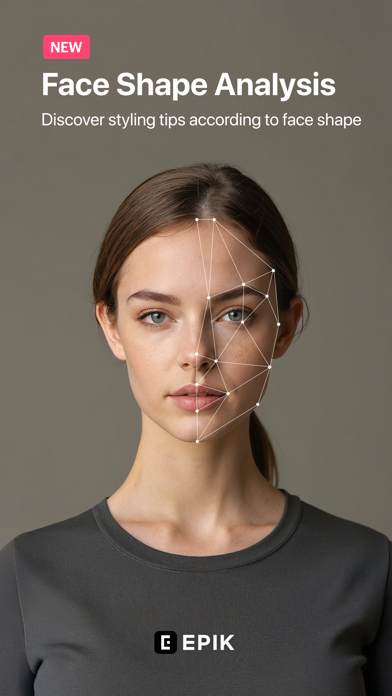
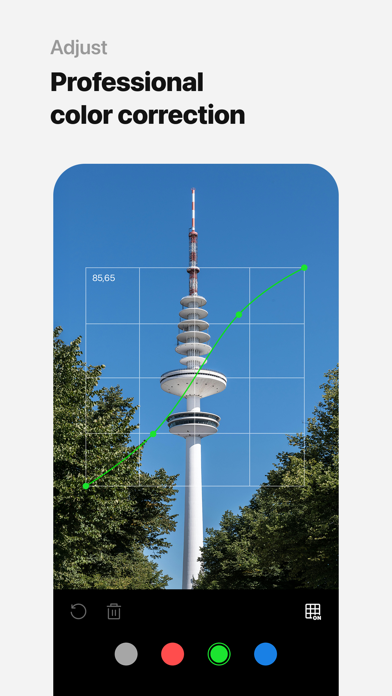
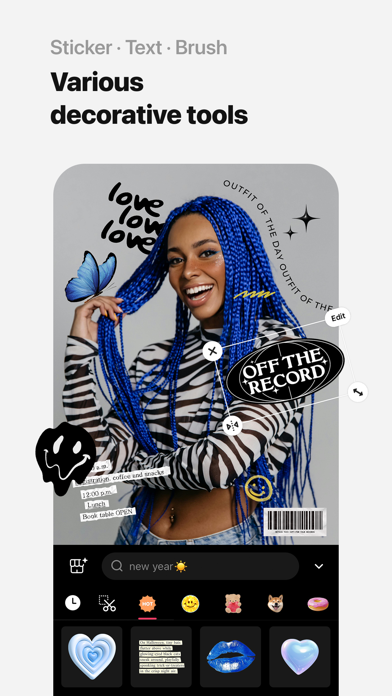
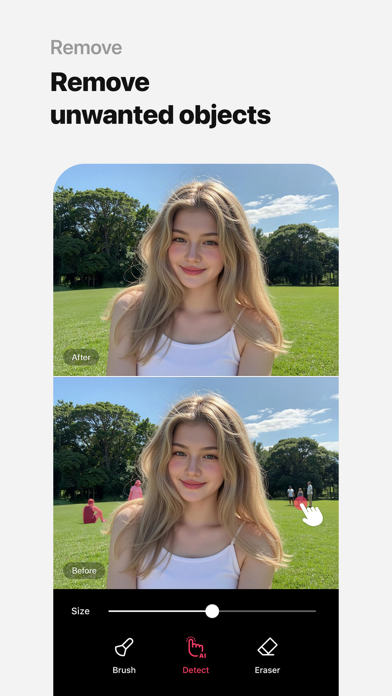
Use professional editing tools and powerful AI technology to easily and conveniently edit photos. [AI tool] ・ Enhance: Improve clarity and resolution! Create high-quality photos ・ AI skin: Perfect your skin by AI correcting blemishes ・ Smart AI cutout: Carefully separate figures, objects, and even animals ・ Remove: Easily remove unwanted parts ・ AI filter: Create your own characters in different styles ・ Hairstyle and Expression: Create a new look [Professional photo editing tools] ・ HSL, Curv
Screenshots





How to install EPIK on iOS
- Download UnKeySign on your iPhone
- Import EPIK IPA into UnKeySign
- Add your P12 certificate and provisioning profile
- Tap Sign — the app installs automatically
Source: UnKeyApp · Last updated: 4/14/2026