

Email AI - Writing Assistant
About
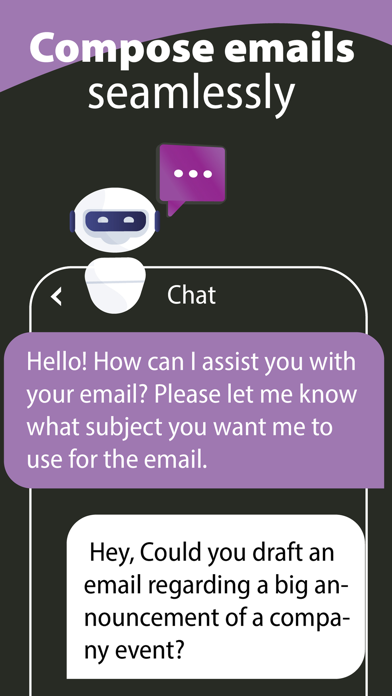
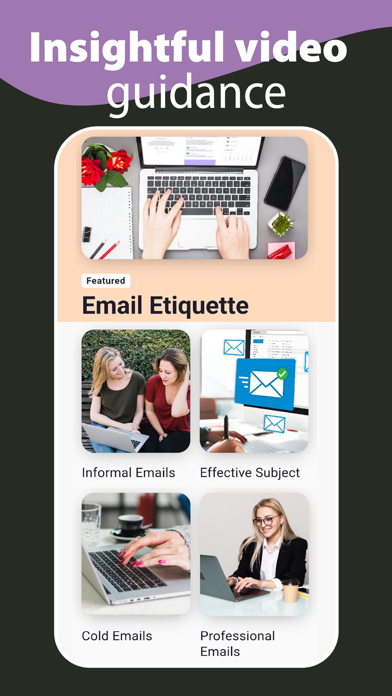
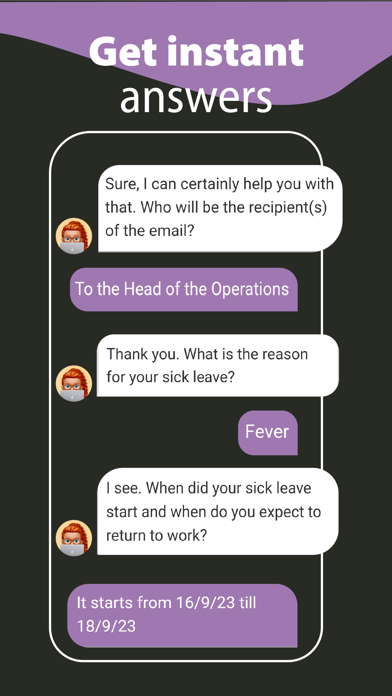
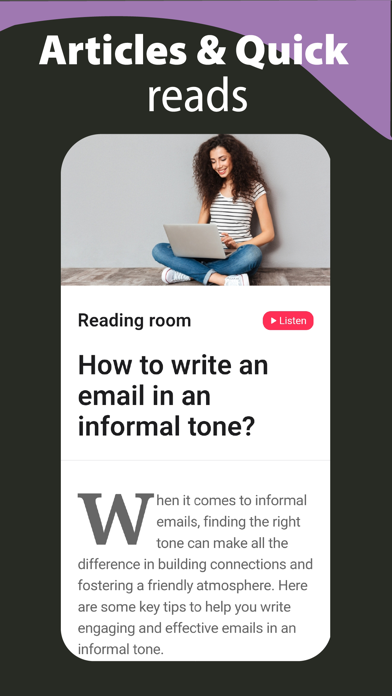
Transform your email communication with the power of AI. Write professional, engaging emails in seconds. YOUR INTELLIGENT EMAIL COMPANION • Generate perfect emails for any situation • Save hours on email writing daily • Eliminate writer's block and anxiety • Maintain consistent professional tone KEY FEATURES • Smart Email Generation: Create contextually appropriate emails instantly • Multiple Writing Styles: Choose from formal, casual, or custom tones • Quick Templates: Access pre-made templates for common scenarios • Real-time Enhancement: Polish your existing drafts with AI suggestions • Multi-language Support: Write confidently in multiple languages • Grammar & Tone Check: Ensure perfect communication every time PERFECT FOR PROFESSIONALS • Business proposals and pitches • Client comm
Screenshots
How to install Email AI - Writing Assistant on iOS
- Download UnKeySign on your iPhone
- Import Email AI - Writing Assistant IPA into UnKeySign
- Add your P12 certificate and provisioning profile
- Tap Sign — the app installs automatically