

Easy Files - Wifi transfer
About
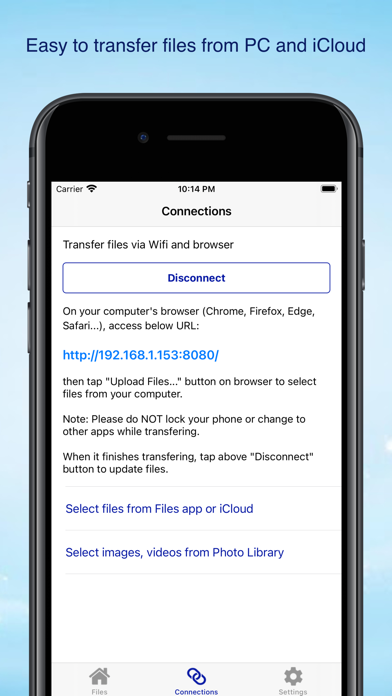
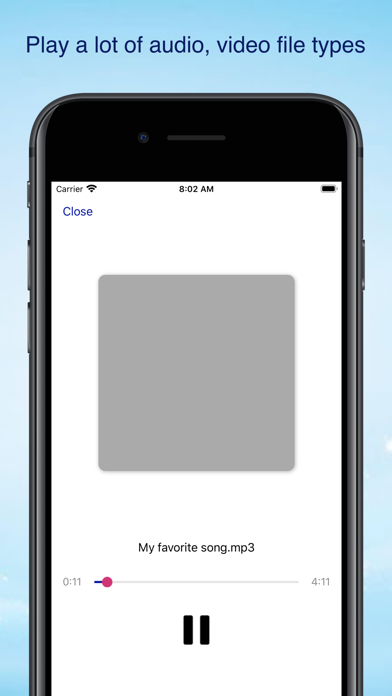
Easy to transfer your files from laptop to iPhone, iPad via Wifi, without cable. Easy to manage your files with actions like cutting, copying, compressing... You can also open a lot of file types on your phone.You usually face a problem, that you don't know how to transfer files from your laptop to your iPhone, iPad, how to view it on your iPhone, iPad. It is easier now with this app - Easy Files. It is like your Finder on iPhone.* Features:- Transfer files via Wifi and browser, without cable.- Transfer files from iCloud.- Transfer images from Photo Library.- Manage your files, easy to move, copy, compress file.- Open popular file types, like Word (docx), Excel (xlsx), Powerpoint (pptx), Pages, Numbers, Keynotes, PDF, audio (mp3, flac), video(mp4)...- Lock device with Face ID, Touch ID, or
Screenshots




How to install Easy Files - Wifi transfer on iOS
- Download UnKeySign on your iPhone
- Import Easy Files - Wifi transfer IPA into UnKeySign
- Add your P12 certificate and provisioning profile
- Tap Sign — the app installs automatically