
DroidCam Webcam & OBS Camera
About
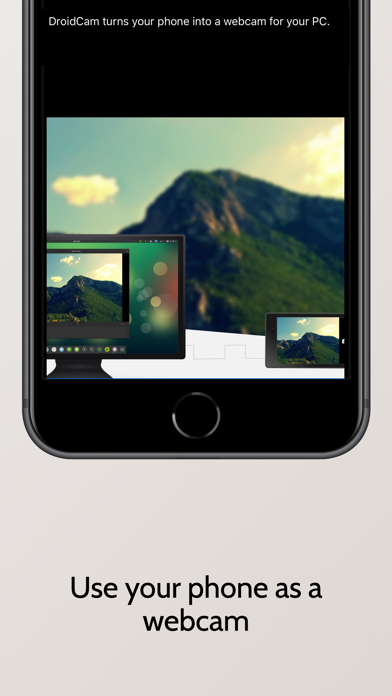
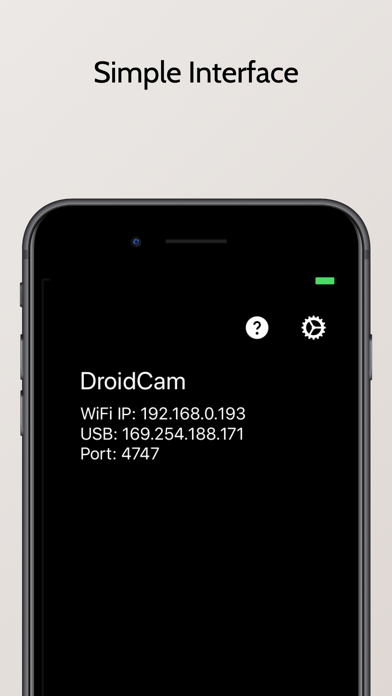
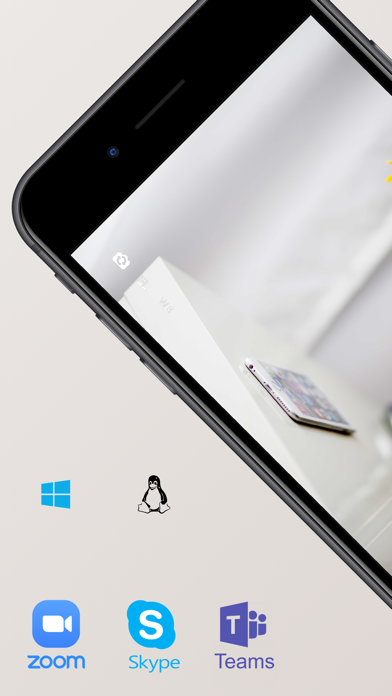
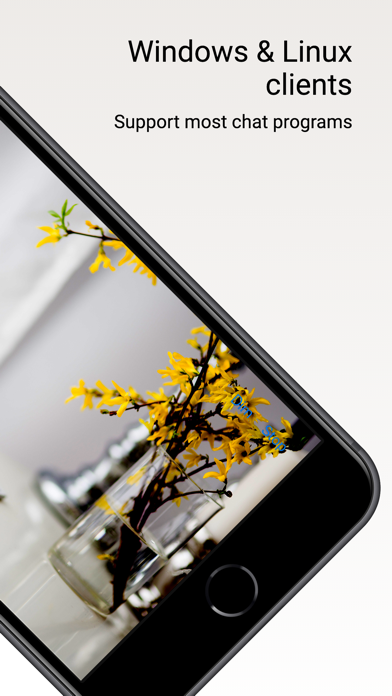
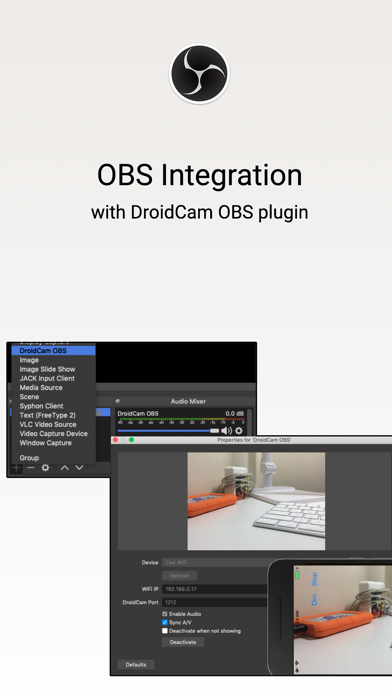
Whether it's for teleconferencing, live streaming, or video production – use the amazing camera on your phone as an alternative to a webcam.With optimized power usage and ultra-low latency video transfer, DroidCam easily replaces webcams and capture cards, saving you $100s. Ideal for for remote work, remote learning, teaching, and content creation.FEATURES- Chat using "DroidCam Webcam" on your computer, including sound and picture.- Direct OBS Studio integration with the DroidCam OBS plugin (see below).- Unlimited free usage at standard definition (640x480).- Up to 1080p FHD as a Webcam, and up to 4K UHD as an OBS Camera.- Both WiFi and USB* connections supported.- HW assisted coding and multiple video format options.- Simple, efficient, and trusted by millions of users worldwide.PC WEBCAM
Screenshots
How to install DroidCam Webcam & OBS Camera on iOS
- Download UnKeySign on your iPhone
- Import DroidCam Webcam & OBS Camera IPA into UnKeySign
- Add your P12 certificate and provisioning profile
- Tap Sign — the app installs automatically