
Diana Photo
About
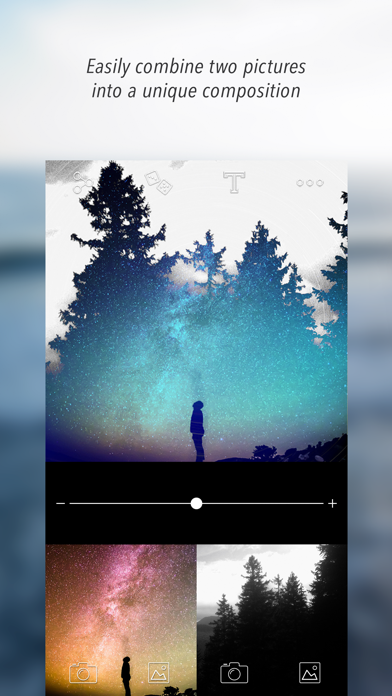
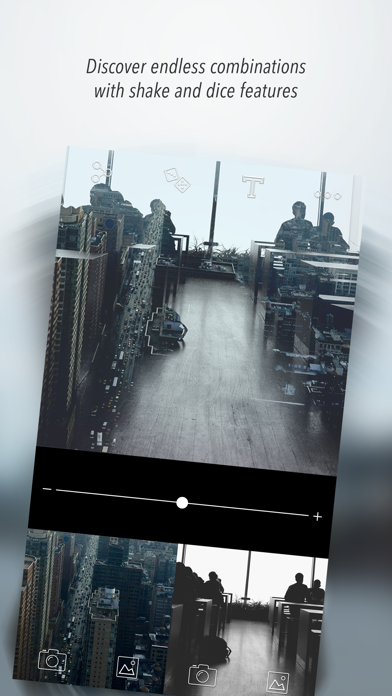
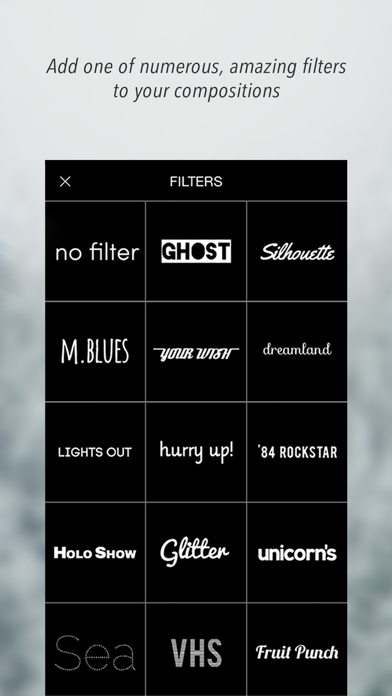
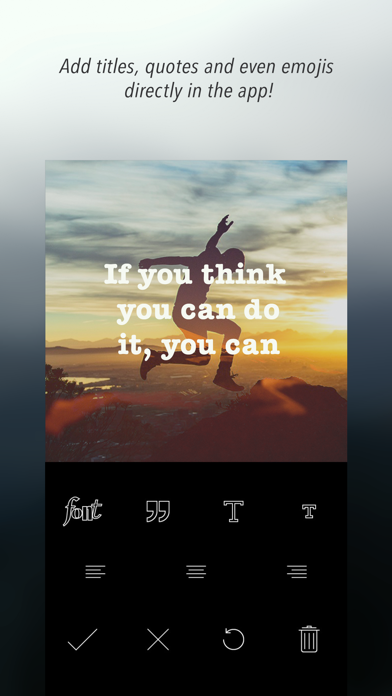
I’m Diana and I'll make your photos unique and beautiful, if you only want it... just in 3 seconds!SHAKE your phone (or tap the dice icon) and I'll draw two pics from your camera roll and give you my proposition. Happy photo accidents are so fun, trust me :) You can also shoot or choose previously taken photos on your own and add one of my filters. Ta-dah! You’ve just made your own, interesting composition! Impressive, isn’t it? Would you like to improve your compositions and make them insanely great? For perfect results, please take a look at my best tips: https://www.facebook.com/dianablogYou can find out what kind of photos and filters you should use to get spectacular compositions.Oh! That’s important: you can share your unique photos on Facebook, Twitter and Instagram. Thanks to my #
Screenshots
How to install Diana Photo on iOS
- Download UnKeySign on your iPhone
- Import Diana Photo IPA into UnKeySign
- Add your P12 certificate and provisioning profile
- Tap Sign — the app installs automatically