

Desk Clock - Analog Clock Face
UnKeyApp
· v3.8
· 18.8 MB
com.chang.olclock
About
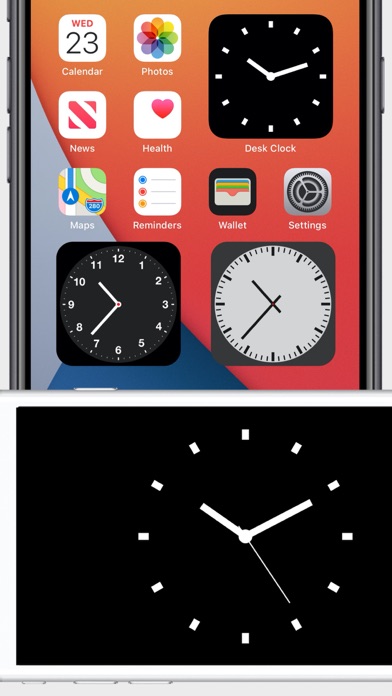
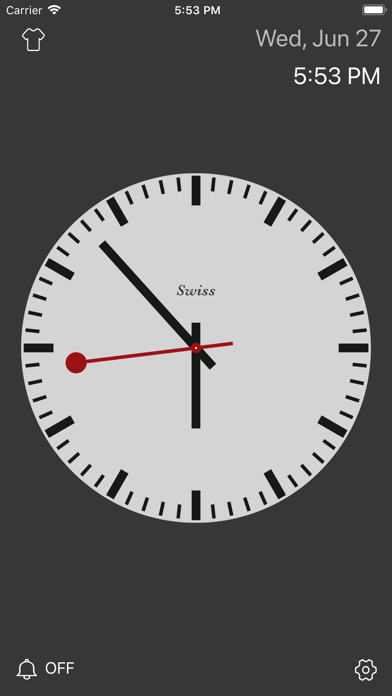
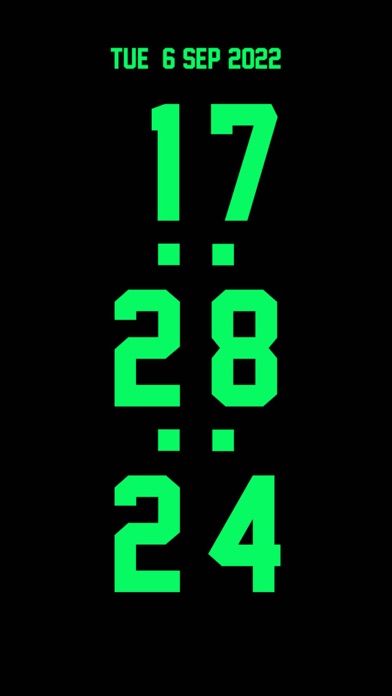
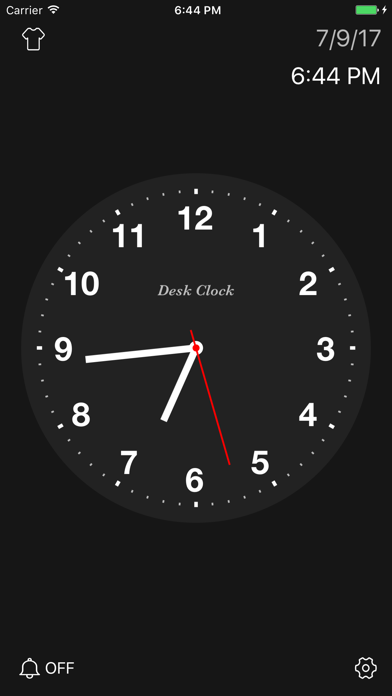
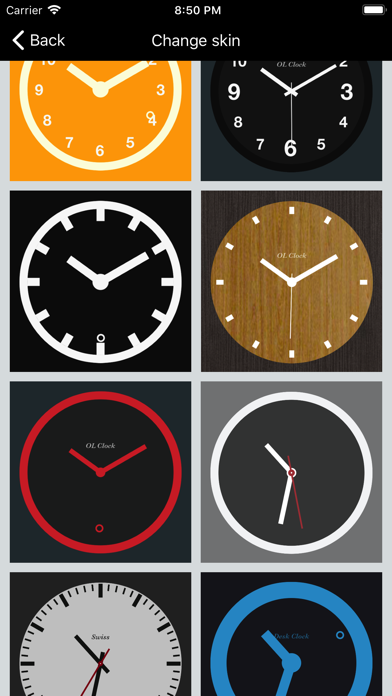
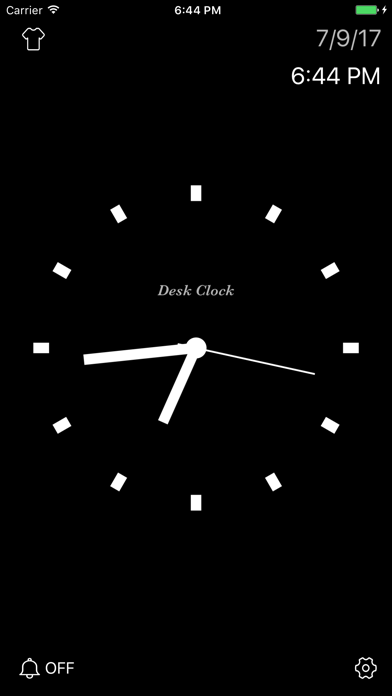
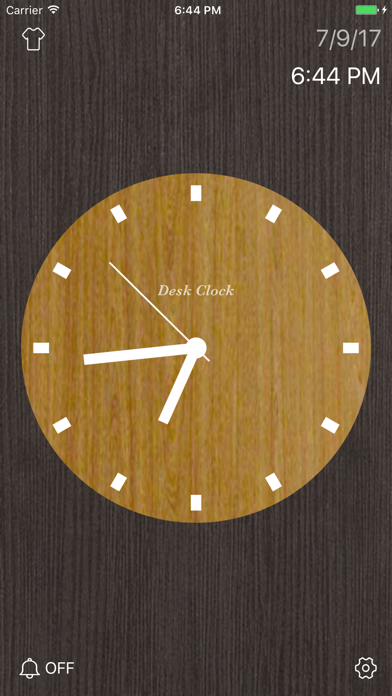
Desktop Clock is an analog clock that displays real-time time on a full screen, providing a variety of exquisite clock dials and digital clocks. Support for displaying the clock widget in the home screen and lock screen.- Display time in seconds on home screen, lock screen, dynamic island, standby screen.- A variety of beautiful clock faces.- The digital time is displayed in full screen and can be used as a timer.- Smart alarm clock that automatically adjusts the volume.- Lock screen widget, always on to display seconds- Provides calendar and clock widget displays.- Hourly timekeeping, hourly voice reminder time.- Show clock face while charging, use as screen saver.
Screenshots
How to install Desk Clock - Analog Clock Face on iOS
- Download UnKeySign on your iPhone
- Import Desk Clock - Analog Clock Face IPA into UnKeySign
- Add your P12 certificate and provisioning profile
- Tap Sign — the app installs automatically
Source: UnKeyApp · Last updated: 7/20/2026