
Dash Cam - Record Trips
About
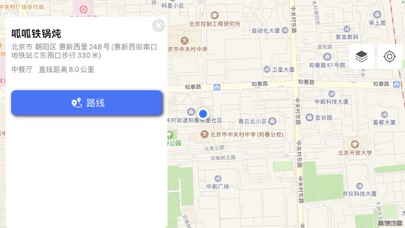
* Support multi-camera wide-angle, ultra-wide-angle, telephoto mode * Support HindSight, 120s * Support navigation and video recording at the same time * Support car bluetooth audio * Hardware encoding, intelligently support H265/H264, low power consumption, no heat * Low power mode can save more than 40% power * The phone can preview the recorded video at any time * Support optical image stabilization * Support front and rear camera switching * Support manual focus and auto focus * Support WiFI, AirDrop (AirDrop) to export video * Support screenshot function (save in system album) and video save in album function * Support up to 60fps and 4k video recording * Support recording interval switching * Support storage space customization and loop recording * Support driving track review * Supp
Screenshots



How to install Dash Cam - Record Trips on iOS
- Download UnKeySign on your iPhone
- Import Dash Cam - Record Trips IPA into UnKeySign
- Add your P12 certificate and provisioning profile
- Tap Sign — the app installs automatically