

CropSize: Batch Image Resizer
About
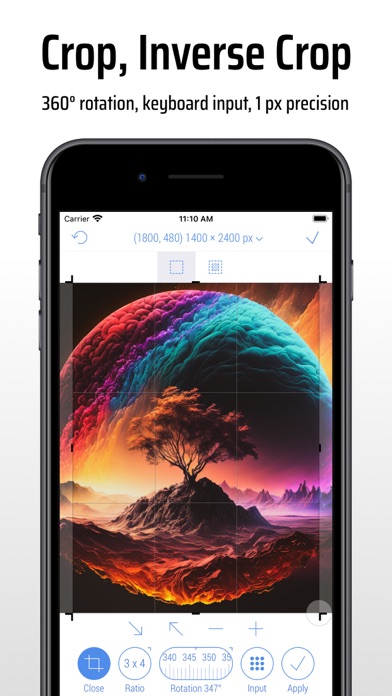
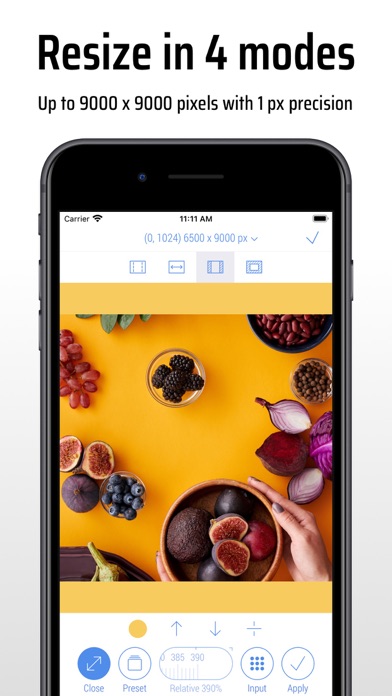
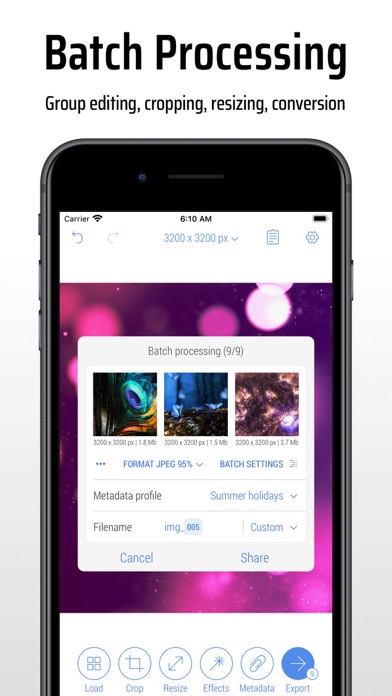
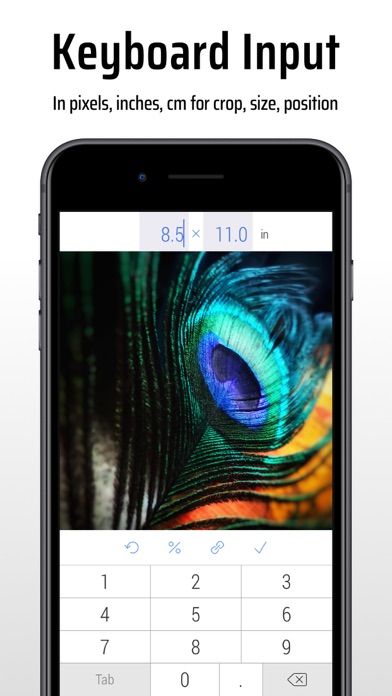
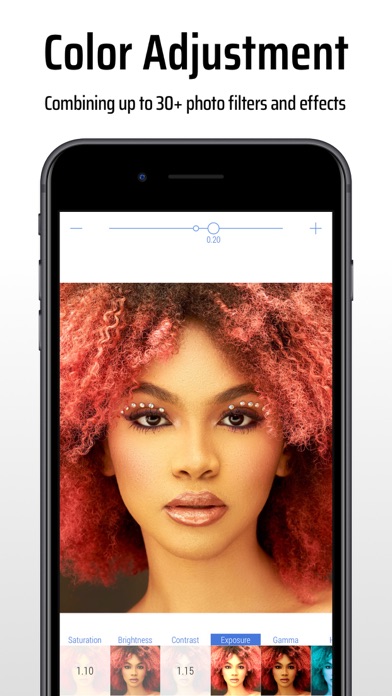
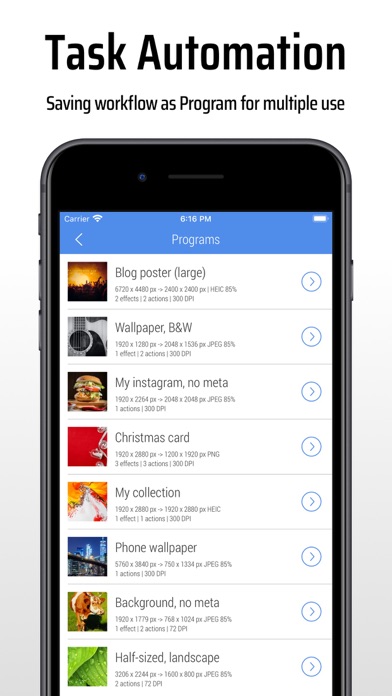
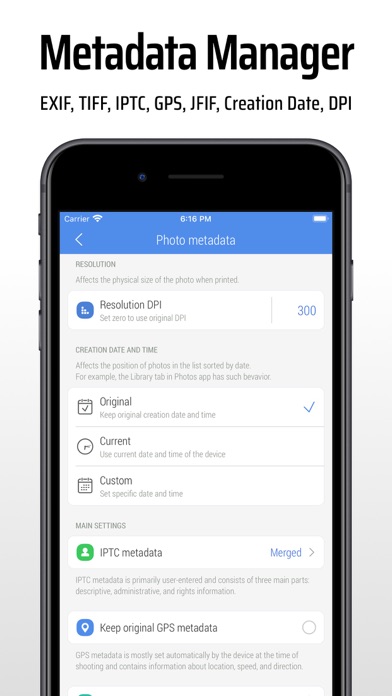
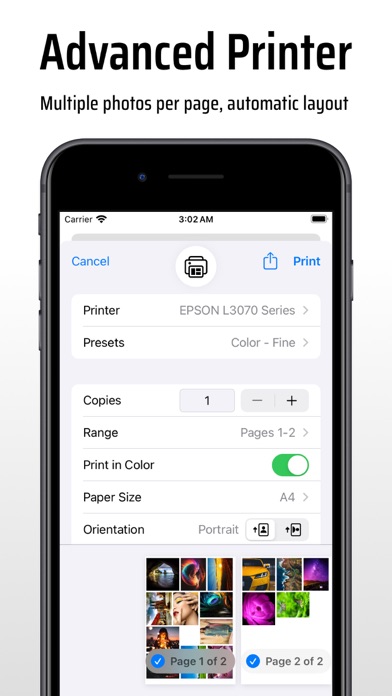
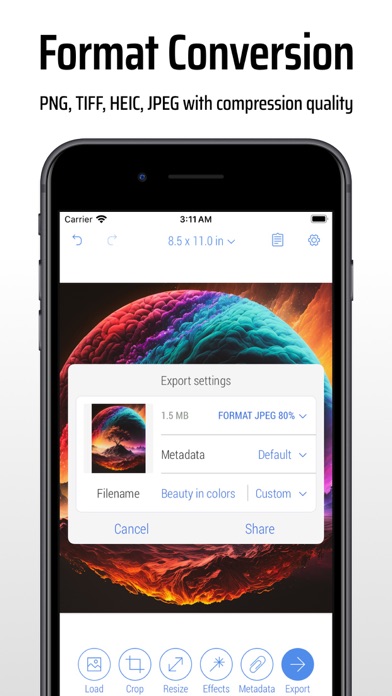
Edit, crop and resize photos for your photo library, socials, documents, web and more. Use JPEG, PNG, TIFF, HEIC formats. Automate routine tasks with batch processing and workflows. Adjust image colors and photo metadata. Print at actual size with automatic page layout.Check out our guides here (https://www.cropsize.com/guides) to learn more about editing with CropSize.—————————CropSize Main Features:CROP PHOTOS IN TWO MODES:• Precisely crop photos in standard Crop and Inverse Crop modes in pixels, inches and centimetres.• Adjust the size and position of the crop frame using gestures.• Specify the exact crop size and position using the keyboard.• Rotate the image within a range of 0-360° using a slider.• Specify the exact crop rotation angle using the keyboard (long press slider).• Set cro
Screenshots
How to install CropSize: Batch Image Resizer on iOS
- Download UnKeySign on your iPhone
- Import CropSize: Batch Image Resizer IPA into UnKeySign
- Add your P12 certificate and provisioning profile
- Tap Sign — the app installs automatically