

Context Camera
About
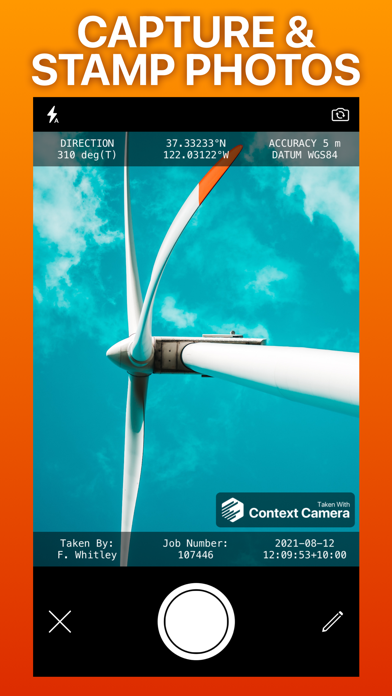
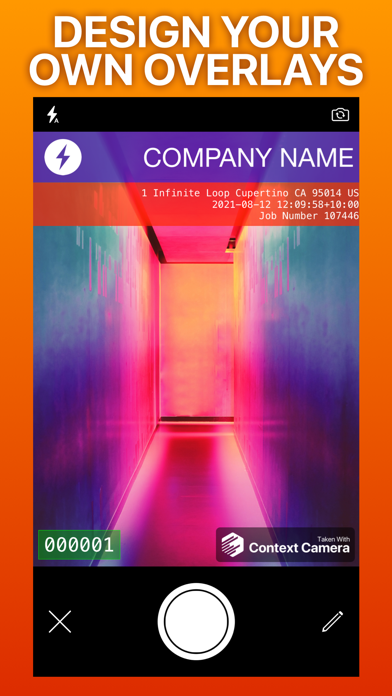
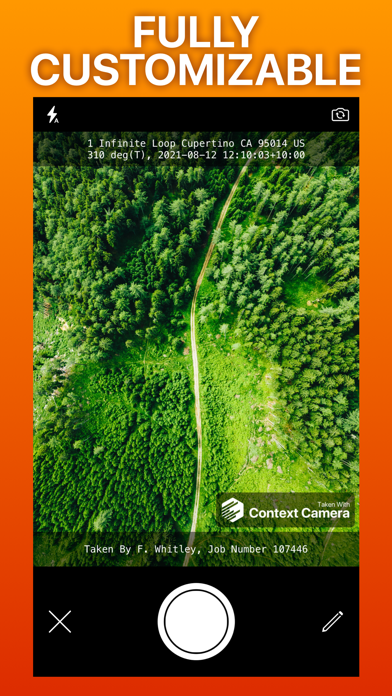
Context Camera lets you capture more useful photos by stamping them with flexible information overlays. Context Camera is trusted by professionals in construction, insurance, safety, inspection and emergency response.Key features- Choose from a selection of built-in information overlays, or create your own.- Overlays can show information including location, direction, user comments, date/time, and address, with support for a wide variety of formats and units. Custom overlays also let you add logos and watermarks for a professional touch.- Take photos using the built-in camera which supports zoom, focus and exposure controls. Your chosen information overlay is drawn on the camera preview to show you exactly what your photos will look like.- Store photos inside the app to keep them separate
Screenshots
How to install Context Camera on iOS
- Download UnKeySign on your iPhone
- Import Context Camera IPA into UnKeySign
- Add your P12 certificate and provisioning profile
- Tap Sign — the app installs automatically