

Code App
About
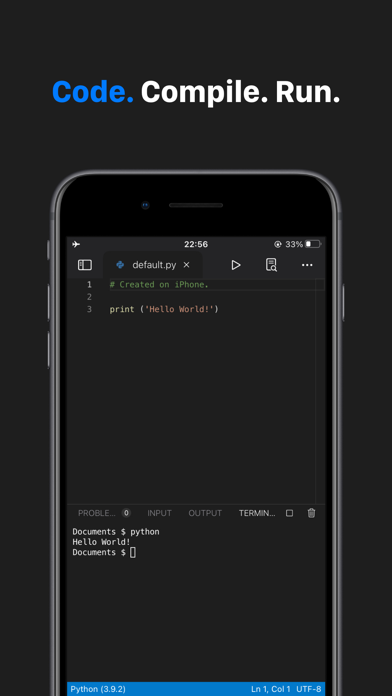
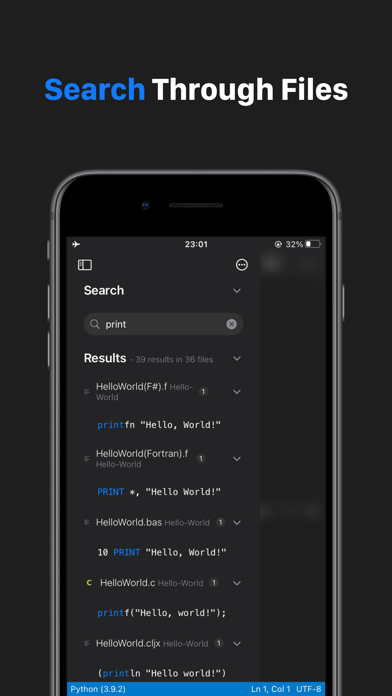
Code App is a MIT-licensed desktop-class code editor for iPadOS with built-in Node.js, Python, C, C++, PHP and Java runtime.We built it because there is nothing else on the App Store provides all these features in one app:* A robust, high-performance text editor (Monaco Editor from Visual Studio Code)* First class local file system support* Extensive local language support* SSH / FTP remote connection support (Files and terminal)* Embedded emulated terminal* Git Version Control* Package manager support (pip and npm)* Markdown, themes, server-side snippet execution and moreRead Code App's documentation: code.thebaselab.comSee the project's source code, roadmap, discussion on GitHub: github.com/thebaselab/codeapp Send us an email: [email protected] Policy: thebaselab.com/privacyp
Screenshots
How to install Code App on iOS
- Download UnKeySign on your iPhone
- Import Code App IPA into UnKeySign
- Add your P12 certificate and provisioning profile
- Tap Sign — the app installs automatically