

Cloud Opener - File manager
About
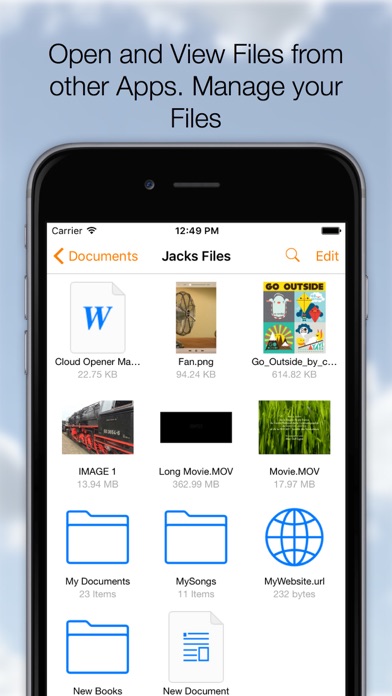
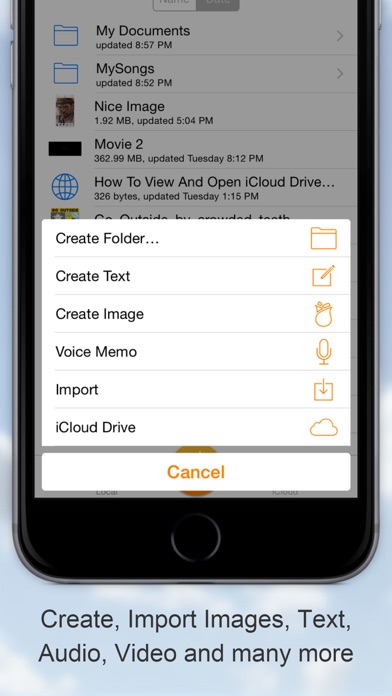
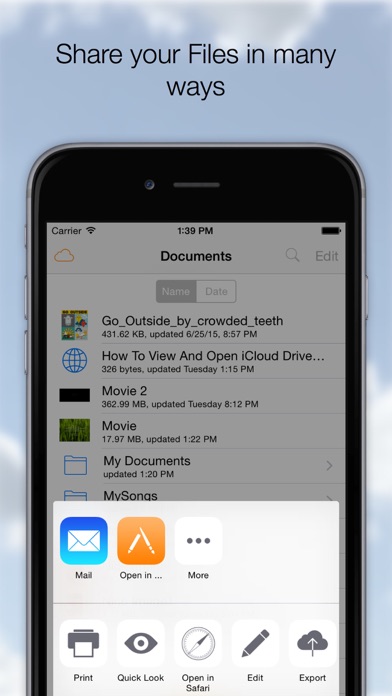
The Swiss Army knife for your files! Download, Share, Manage, Send, Open, Read, Play, Listen, View, Create, Edit, Move, Rename, Import, Export your documents, Videos, Music, Books and any other type of files on your Cloud Services. On your iPhone or iPad it all comes together, many Clouds, One App. ◆Remember Long Press is your friend. On a File to activate the Action Menu. On the Titlebar to call the Menu at any time. On the Titlebar in edit mode to Select-Deselect all documents. Cloud Opener Features: ◆ SHARE - Share iCloud Drive documents by weblink (download) - Web Server and WebDAV Server - Send to App - Message - Attach to email - Social Media Apps ◆ OPEN and VIEW - Open files from iCloud Drive and Apps supporting the iOS "Document Provider Extensions" like DropBox, OneDrive e
Screenshots

How to install Cloud Opener - File manager on iOS
- Download UnKeySign on your iPhone
- Import Cloud Opener - File manager IPA into UnKeySign
- Add your P12 certificate and provisioning profile
- Tap Sign — the app installs automatically