

Charles Proxy
About
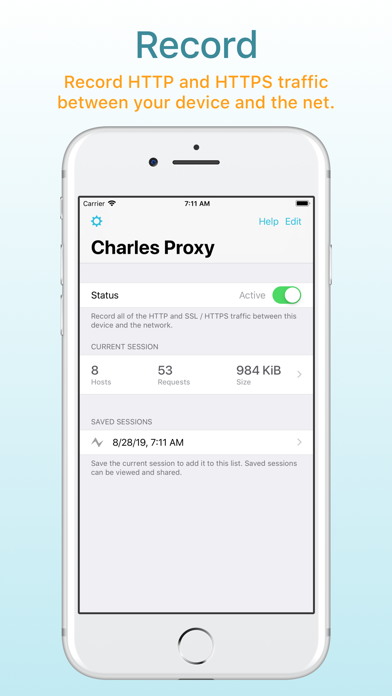
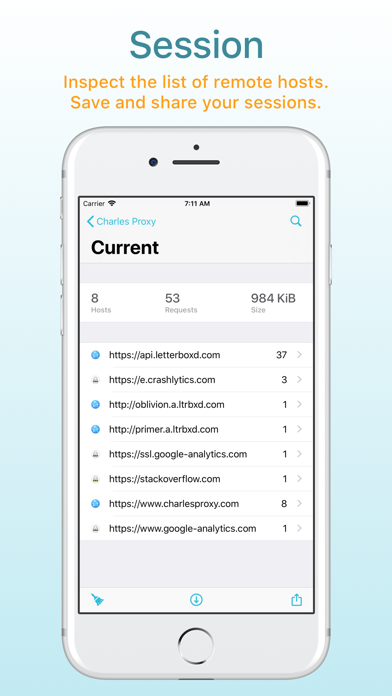
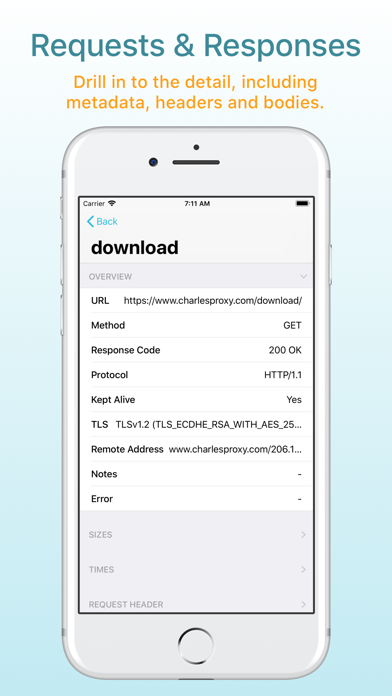
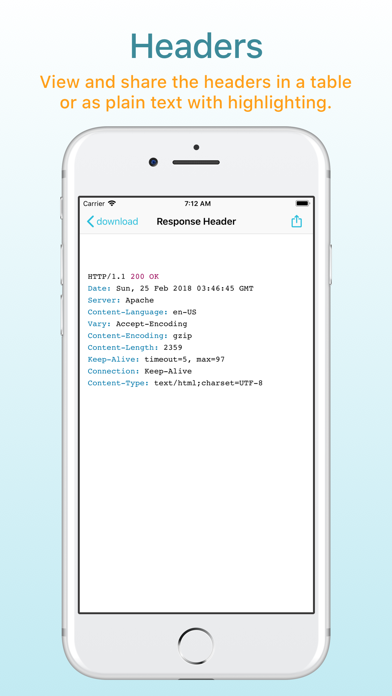
Charles Proxy for iOS lets you capture and inspect network requests and responses on your iOS device. You can view metadata, headers and bodies in the app, so you can finally debug your app’s networking issues without a computer. Charles Proxy for iOS is an from the creators of Charles Proxy for desktop. HOW IT WORKS Turn Charles on when you want to start capturing. Charles captures your network requests and responses in the background while you test your app or website. Return to Charles to inspect the requests and responses. If you also have Charles on your desktop, you can transfer recorded sessions to your desktop to explore them on the big screen. Charles creates a local VPN on your device. All of your network traffic passes through Charles on your device, and then out to the inte
Screenshots


How to install Charles Proxy on iOS
- Download UnKeySign on your iPhone
- Import Charles Proxy IPA into UnKeySign
- Add your P12 certificate and provisioning profile
- Tap Sign — the app installs automatically