

Card Mate Pro- credit cards
About
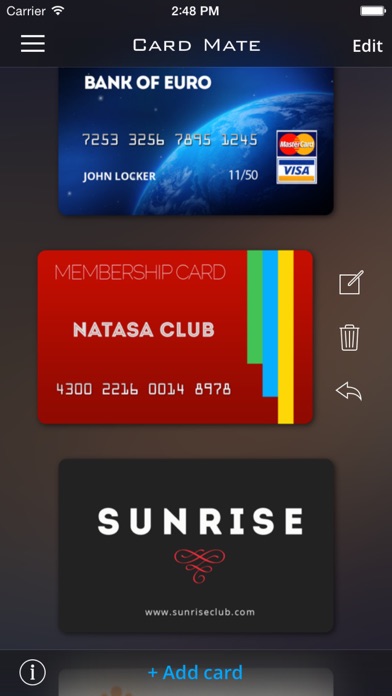
Too many cards filled in your wallet? Don't know which card should put in your wallet? Or were you in a need of your credit card details while on the go without your wallet? Do you think it's not safe to carry all your cards in your real wallet? This is where Card Mate as a secure card manager comes handy. * Card Mate can auto scan and save your card images, and you can store plenty of addition information with these card images. Scan card process is very simple and quick. Card Mate can store your Credit Cards, Bank Cards, ID Cards, and any other type of cards. * All your cards images and information were encrypted using Industrial-strength encryption algorithm, and saved in the local storage of your iOS devices. There is NO server, and Nothing will be upload or send to the server, or any
Screenshots



How to install Card Mate Pro- credit cards on iOS
- Download UnKeySign on your iPhone
- Import Card Mate Pro- credit cards IPA into UnKeySign
- Add your P12 certificate and provisioning profile
- Tap Sign — the app installs automatically