

Canary Mail
About
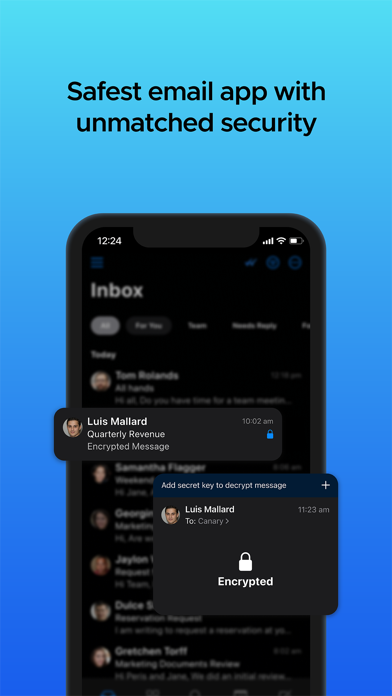
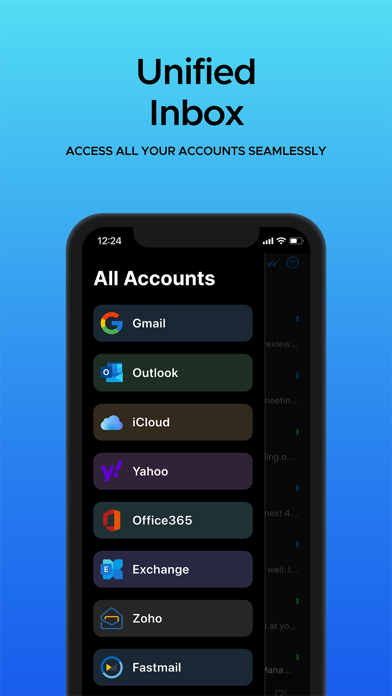
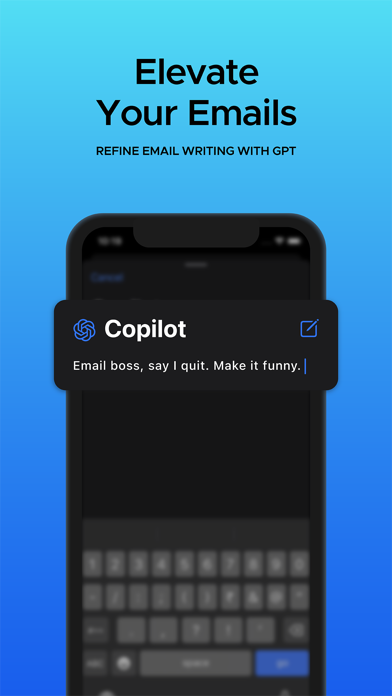
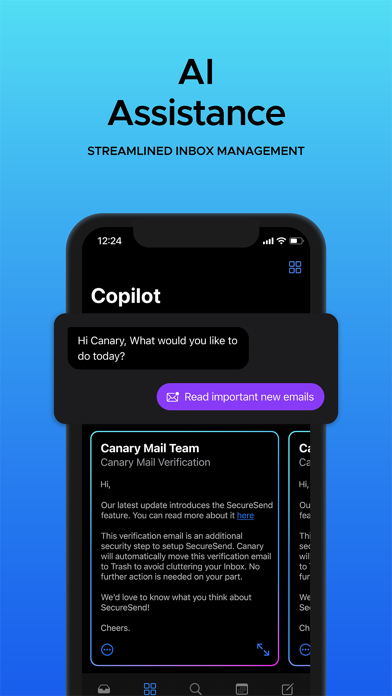
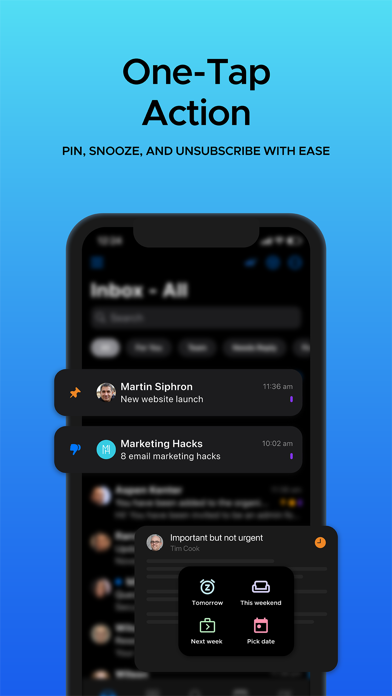
YOUR PERSONAL AI ASSISTANT**Compose and Reply with AI** Canary can write and reply to emails for you. Simply tell it what you want to say or select the desired tone of your response, and it will automatically compose your email.**Summarize Conversation** Summarize lengthy email threads with AI and skip sifting through long conversations.**AI Copilot** Ask questions about your mailbox, get insights on your schedule, unread messages, pending tasks, and more, using the AI copilot chat.**Copilot Tasks** Perform mailbox actions like Move, Delete, Archive mails and add accounts with just one prompt in the Copilot chat.**Copilot Support** Ask questions about how to use Canary and its features and solve your queries without leaving the app.CONNECT ALL YOUR ACCOUNTS IN ONE INBOX**Universal** Canary
Screenshots
How to install Canary Mail on iOS
- Download UnKeySign on your iPhone
- Import Canary Mail IPA into UnKeySign
- Add your P12 certificate and provisioning profile
- Tap Sign — the app installs automatically