
Camera Remote for GoPro
About
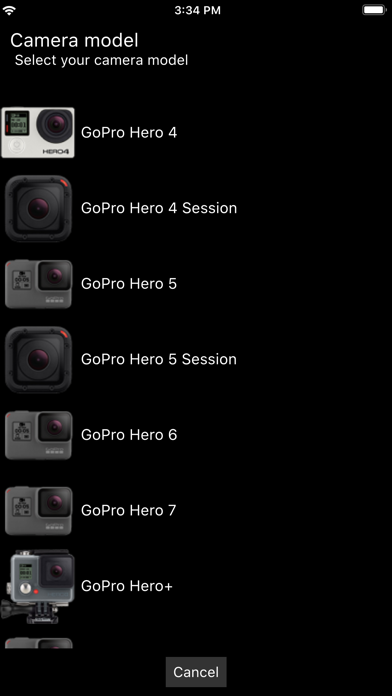
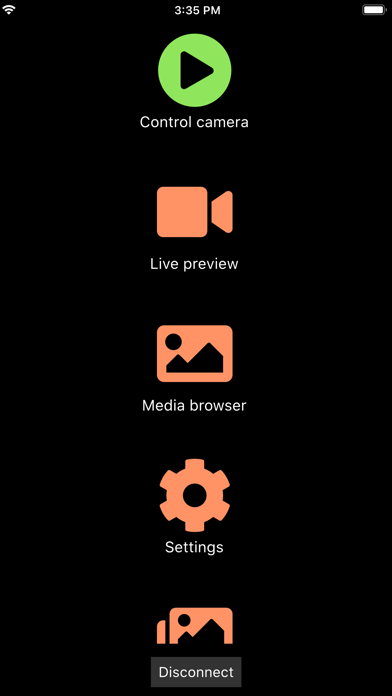
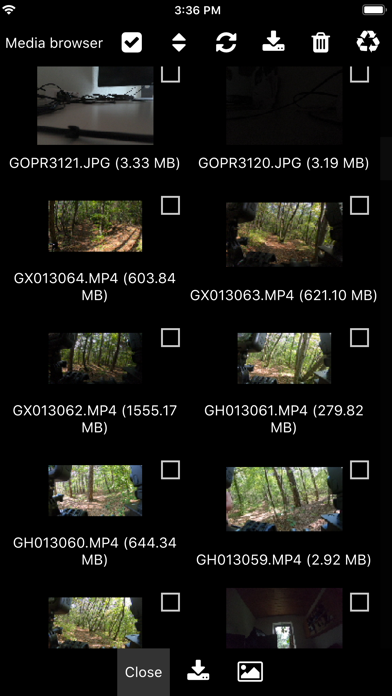
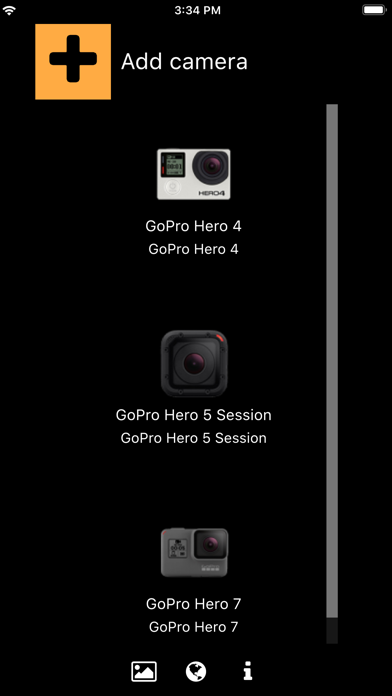
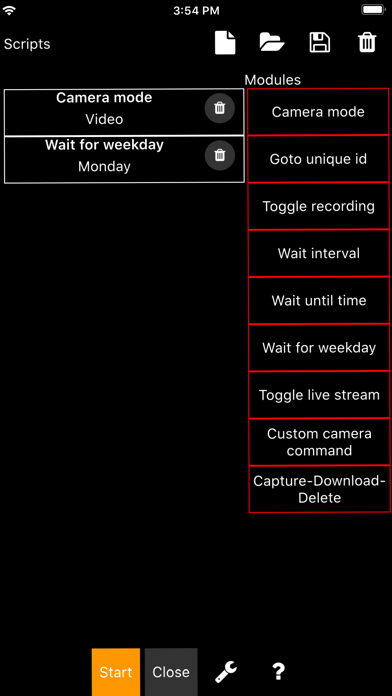
The Camera Remote for GoPro Hero cameras allows you to control GoPro cameras over Wifi. Demo video: https://youtu.be/n8Js7kFnSs8 ## ## Features ## - Supports: GoPro Hero 4, 5, 6, 7, Hero Session, Hero 5 Session cameras. - Auto connect to the camera Wifi network (no fiddling around in the iOS Wifi settings is required anymore). - Exposure series tool: Capture exposure series, e.g. for HDR, by defining night/day mode, exposure compensation, shutter time, ISO limits, and white balance for each image. - Scripting tool: Create your own scripts via a drag and drop interface (NO coding is required!). - Change camera settings (resolution, protune, frame rate, shutter time, exposure compensation, white balance, GPS, volume, audio, microphone, etc.). - Live video and audio preview. - Download medi
Screenshots

How to install Camera Remote for GoPro on iOS
- Download UnKeySign on your iPhone
- Import Camera Remote for GoPro IPA into UnKeySign
- Add your P12 certificate and provisioning profile
- Tap Sign — the app installs automatically