

Blur Video & Photo -AI Pix App
About
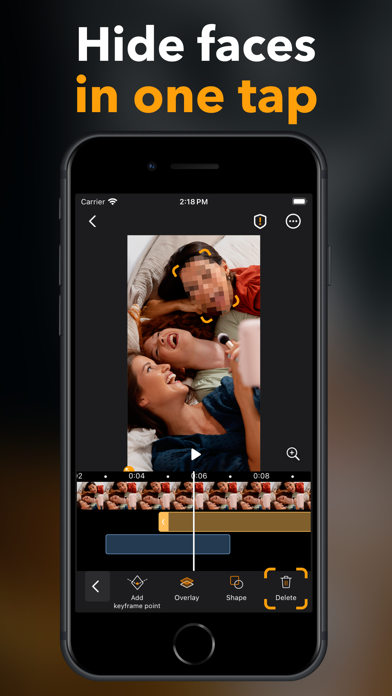
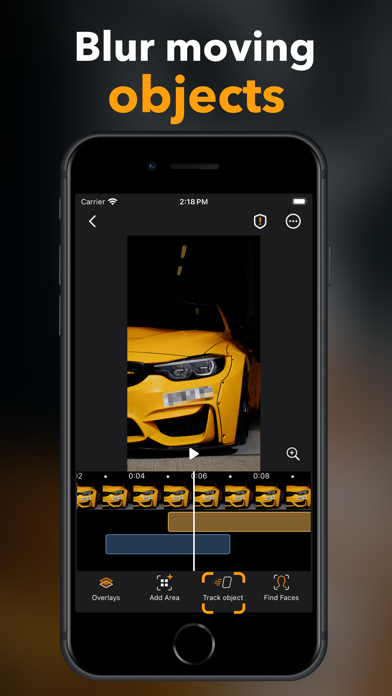
Pix App is a smart media editor that supports both photos and videos, utilizing AI-powered, machine learning-developed core functions. The user experience is designed for simple, automatic operations, ensuring ease of use. Privacy is a priority with Pix App, as all media processing occurs on the device itself, guaranteeing your privacy. You no longer need a computer or professional software to anonymize videos. Key features of Pix App include: - Face detection - Moving object tracking - Human body detection - Key frame tracking - Smart object detection on photos Pix offers flexible overlay options and emphasizes a privacy-first approach, with all processing happening locally. Your media is never uploaded to the cloud or stored in the app. EULA: https://www.apple.com/legal/internet-ser
Screenshots




How to install Blur Video & Photo -AI Pix App on iOS
- Download UnKeySign on your iPhone
- Import Blur Video & Photo -AI Pix App IPA into UnKeySign
- Add your P12 certificate and provisioning profile
- Tap Sign — the app installs automatically