

BluLines
About
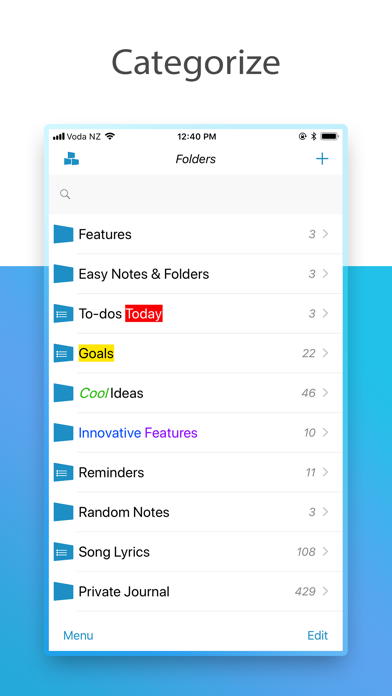
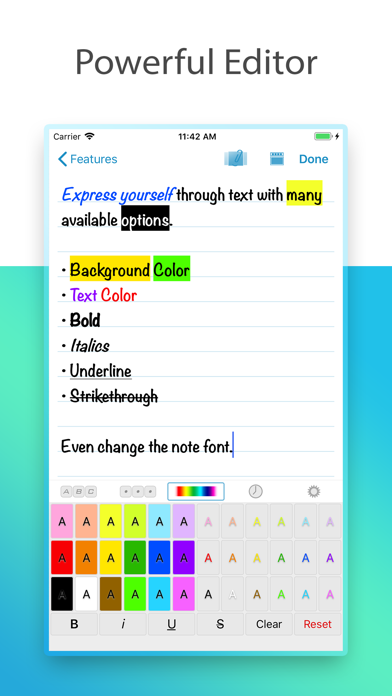
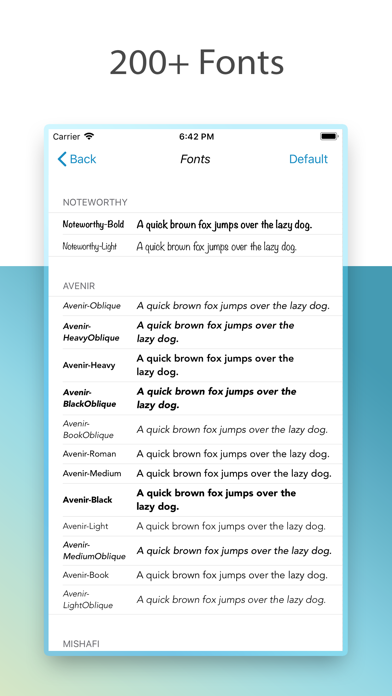
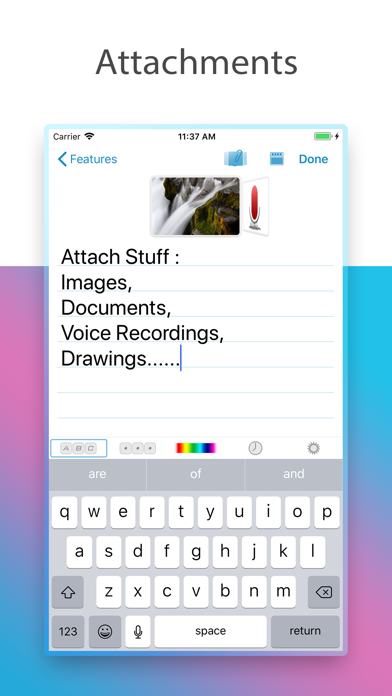
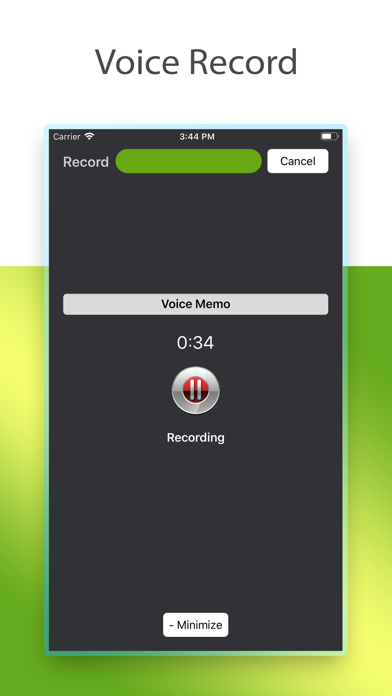
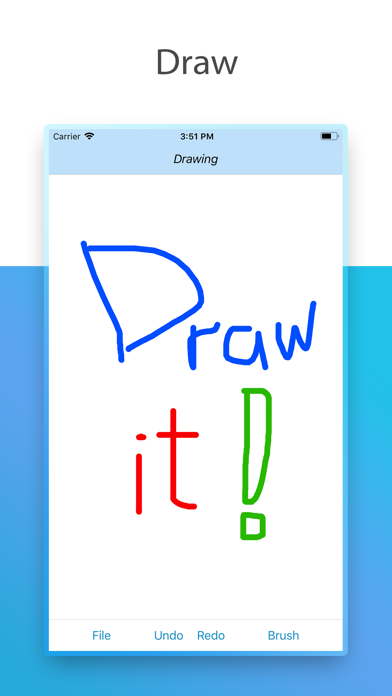
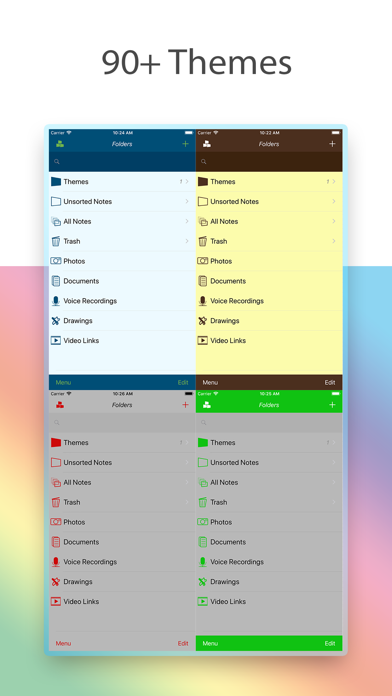
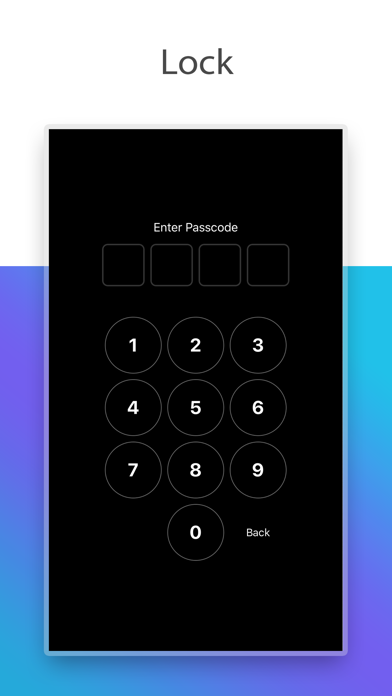
Feature rich plain text notes app with folders organisation: + Note attachments: photos, documents, voice recordings, drawings, video links. + Folder Groups + Turn folder into a to-do list + Passcode lock + Themes + Reminders • Auto Folders: create smarter folders with filters to find your notes quicker with one tap. • Folder name highlighting: make your important folders stand out • Individual folder sort modes • Turn folders into todo lists • Note Locate, finds the first note starting with the first letter or phrase in a folder • Individual note font, choose from all the available iOS fonts. • Text highlighting including Bold, Italics, Underline, Strike text functions • Export a note to iCloud Drive with attachments and rich text format (RTF) with highlighting. • Set note as reminder an
Screenshots
How to install BluLines on iOS
- Download UnKeySign on your iPhone
- Import BluLines IPA into UnKeySign
- Add your P12 certificate and provisioning profile
- Tap Sign — the app installs automatically