
Bluey: Let's Play!
About
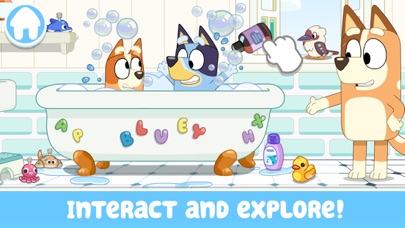
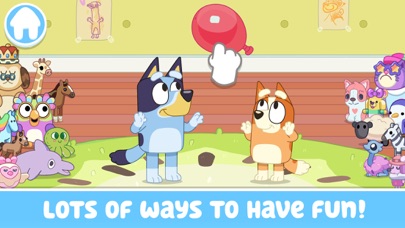
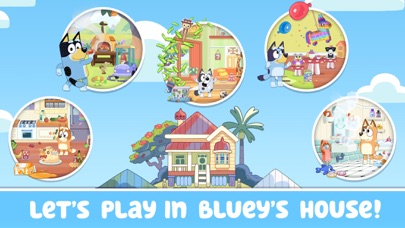
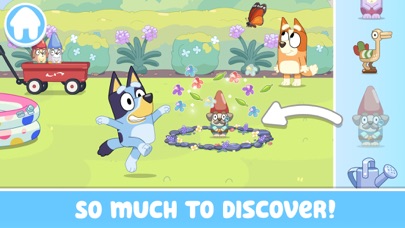
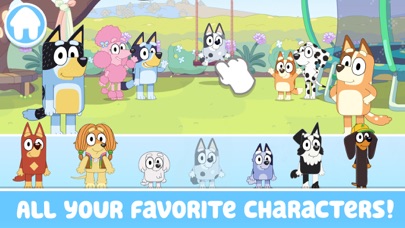
Explore, imagine, create & play in Bluey's house. There's so much to do!Wackadoo! Come join Bluey, her friends & family! For real life.Fun, easy & calm kids learning game for boys and girls of all ages. Preschool children and toddlers will enjoy this app. Parents and other family members can play along too!EXPLOREDiscover and play all over the Heeler family home, just like in the TV show! Hunt for longdogs, play a game of Pop up Croc, listen to your favorite Bluey tunes, and so much more! Can you find all the hidden surprises?IMAGINEEvery room allows for deep, imaginative play. Just like Bluey, anything is possible if you use your imagination! Make up your own stories as you go, or re-create your favorite Bluey moments. Bingo, Bandit, Chili, and all of Bluey’s friends and family are here a
Screenshots

How to install Bluey: Let's Play! on iOS
- Download UnKeySign on your iPhone
- Import Bluey: Let's Play! IPA into UnKeySign
- Add your P12 certificate and provisioning profile
- Tap Sign — the app installs automatically