
BlockApps - Free Yourself
About
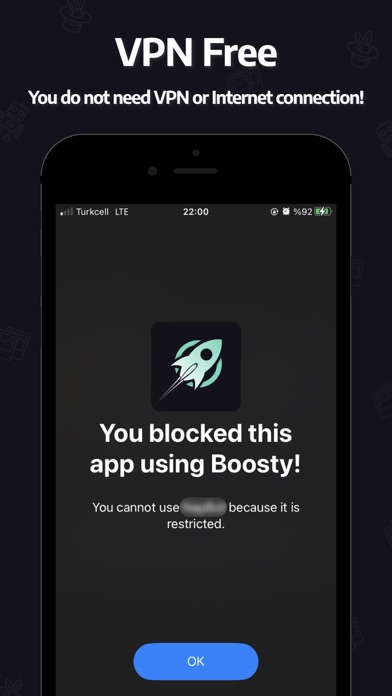
Do you scroll all day? Boosty will help you to avoid distractions. On your phone, you can disable apps with just a few touches. Apps that have been blocked cannot be opened, and their notifications will no longer annoy you.【 EXACT SOLUTION 】 The simplest method of app blocking. Your pre-selected apps are blocked as soon as you start the Restriction Mode! For a time period you determine.【 PROGRAM YOUR MODES】 You can define days or hours when blocking is active using Modes. Would you like to block social media at work? Don't want work apps to disturb you at home. No issue. Create your Mode, select the apps you want to block and set the time frame. That is it!Do you know the amazing part? NO NEED FOR VPN or Internet Connection!Try it! Thanks to Modes, it's really convenient to never have to w
Screenshots



How to install BlockApps - Free Yourself on iOS
- Download UnKeySign on your iPhone
- Import BlockApps - Free Yourself IPA into UnKeySign
- Add your P12 certificate and provisioning profile
- Tap Sign — the app installs automatically