
Best Phone Security Pro
About
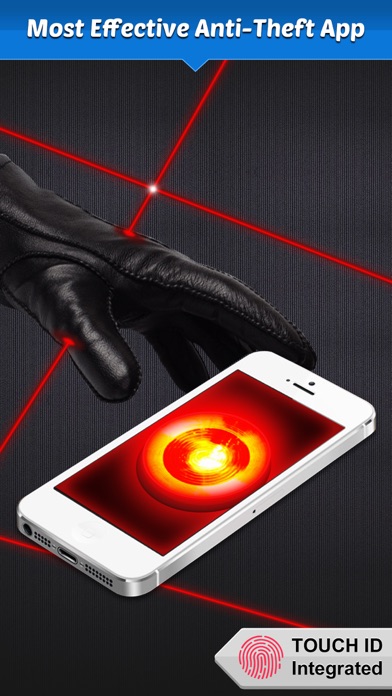
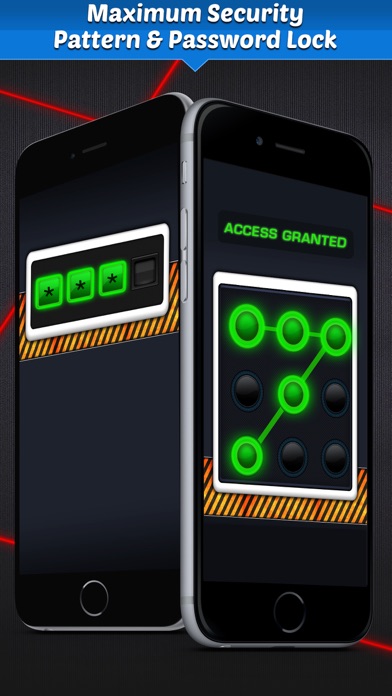
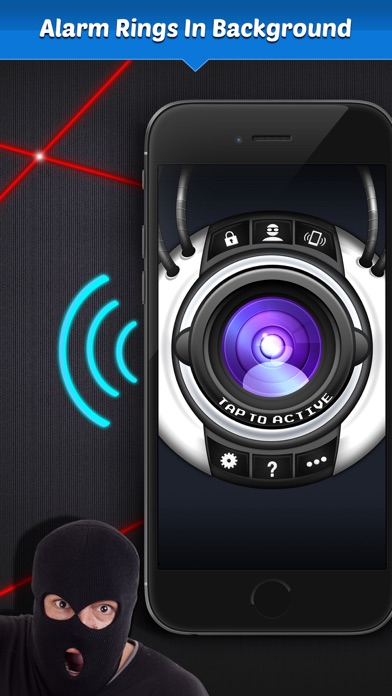
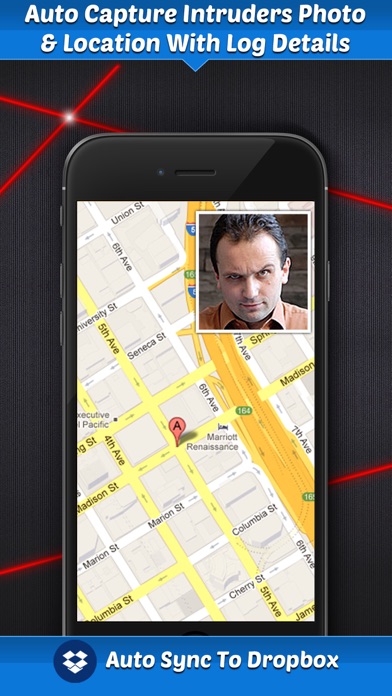
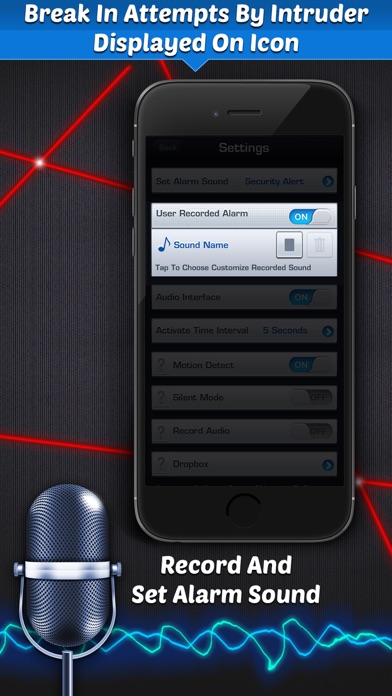
▲▲▲ Best Alarm Security For Your Phone ▲▲▲** Capture Intruders Photo, When Deactivating Alarm **Simply activate the alarm and catch nosey friends and family red handed! The best part is that when the intruders enters in a wrong password, the intruders photo will be stored. There will be no denying the intrusion! FEATURES: - Now Two Types Of Lock Screen Supported ▲ Passcode Screen ▲ Pattern Screen - App Sound On/Off Feature Added - Capture Intruders Photo- View Intruders Location- View Break In Attempts By Intruder Displayed On Icon- Alarm Rings In Background- 4 Different Security Alarm Sounds- Record And Set Alarm Sound- Security Alarm To Notify You- Secure Pin Code to unlock your Device- App Works In Sleep ModeUse alarm on your iPhone/iPod/iPad when in public or also to catch those sneak
Screenshots
How to install Best Phone Security Pro on iOS
- Download UnKeySign on your iPhone
- Import Best Phone Security Pro IPA into UnKeySign
- Add your P12 certificate and provisioning profile
- Tap Sign — the app installs automatically