
Banish - Block 'Open in App'
About
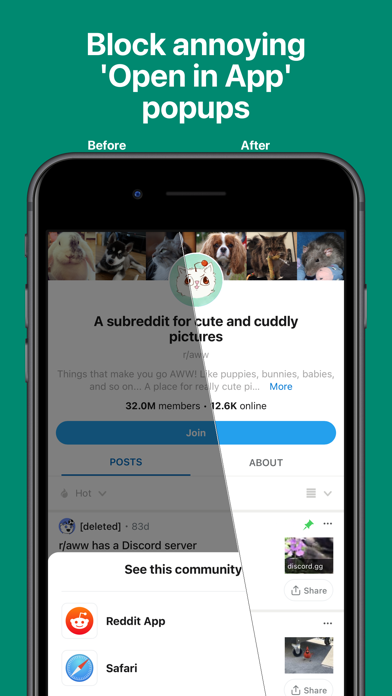
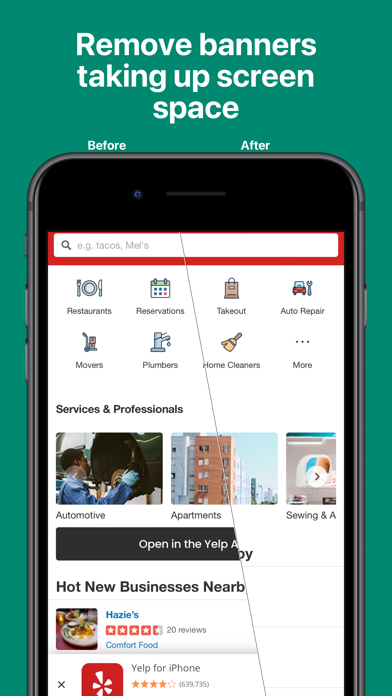
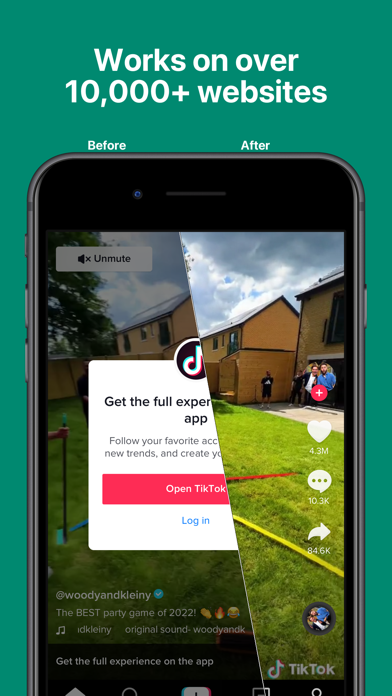
BANISH. The #1 Safari Extension to block annoying 'Open in App' popups & other dark patterns on the web.“Banish does one thing and does it well: it nukes dickpanels in Safari on iPhone and iPad”— John Gruber, Daring Fireball"The app proved incredibly useful. For instance, when on Quora, clicking a link to another Quora page would normally pop up a blocker that requires you to log in to continue navigating the website. With Banish, this pop-up was gone and you could use the site normally"— Sarah Perez, TechCrunchPRIVATEBanish does not collect or store any of your data - nothing leaves your device.BUY ONCEJust a one-time purchase and Banish is yours. No subscriptions, no in-app purchases, no ads, no nonsense.FASTThe app performs the minimal, necessary changes to block popups and free up scre
Screenshots

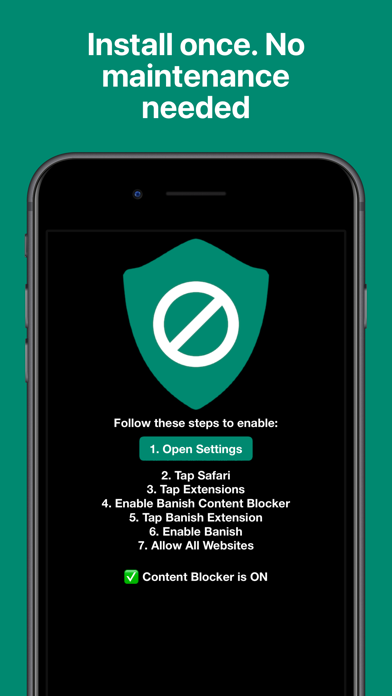

How to install Banish - Block 'Open in App' on iOS
- Download UnKeySign on your iPhone
- Import Banish - Block 'Open in App' IPA into UnKeySign
- Add your P12 certificate and provisioning profile
- Tap Sign — the app installs automatically