
Background Eraser: superimpose
About
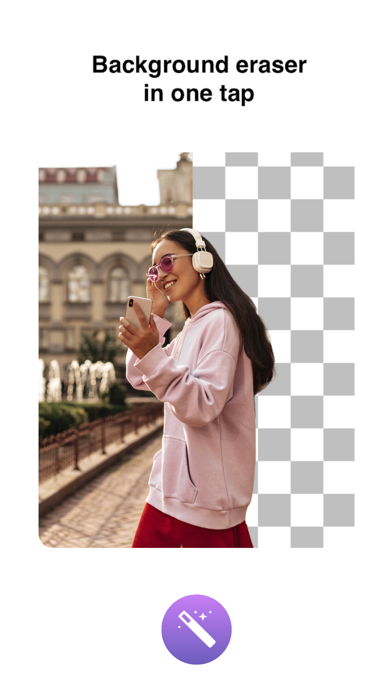
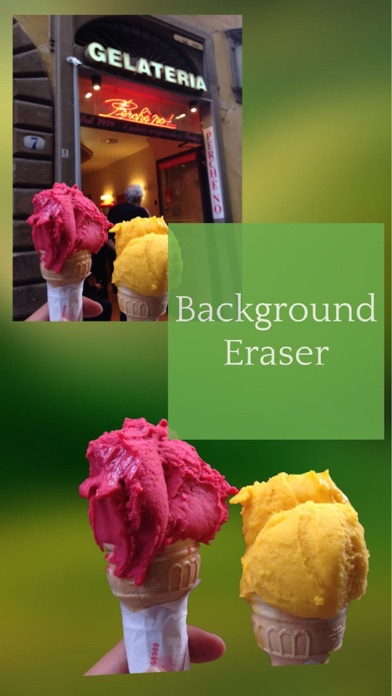
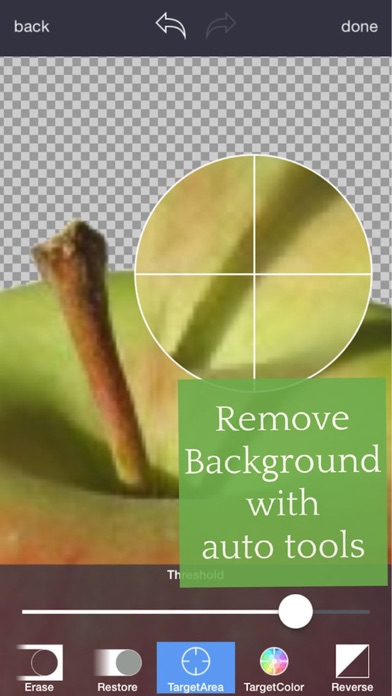
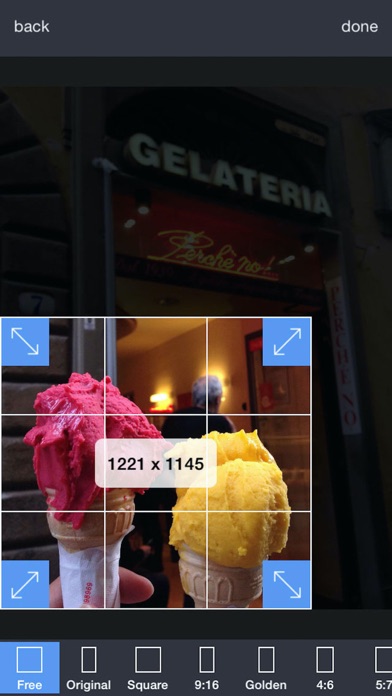
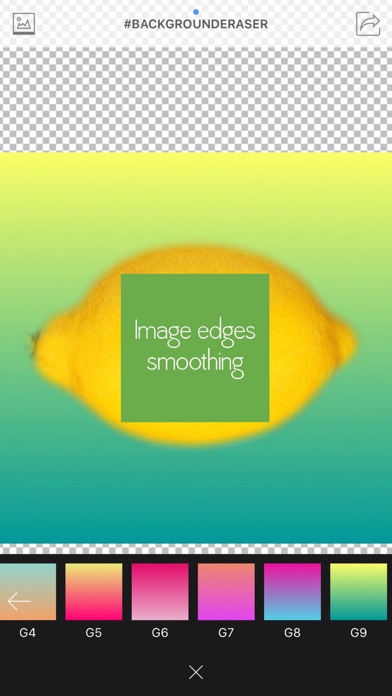
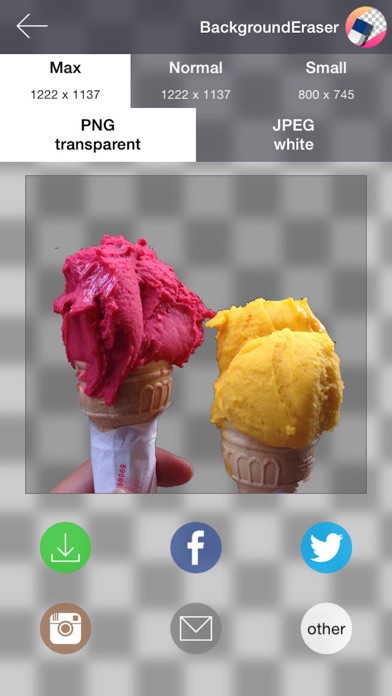
This app helps to remove the background of any picture of yours and maintain transparency with just few taps. Just touch where you want to remove. "Target" function removes the area of similar color automatically. The image which one maintaining transparency background can be used with other apps ex) Keynote. Pages, etc. #Cut Out Tools – Cut images (Zoom in to work for fine pixel-level accuracy) ___#Erase/Restore : Erase/Restore the area you touched ___#Target Area Auto remove tool (Area/Color) : Remove similar color area automatically ___#Reverse tool : Reverse removed area #Crop – Crop your photos with 15 different presets feature quickly and easily. #Adjust Effect - 9 ADJUSTMENT tools (Smooth, brightness, contrast, saturation, exposure, highlights, shadows, temperature, vignette) **”Smo
Screenshots
How to install Background Eraser: superimpose on iOS
- Download UnKeySign on your iPhone
- Import Background Eraser: superimpose IPA into UnKeySign
- Add your P12 certificate and provisioning profile
- Tap Sign — the app installs automatically