

AudioAid
About
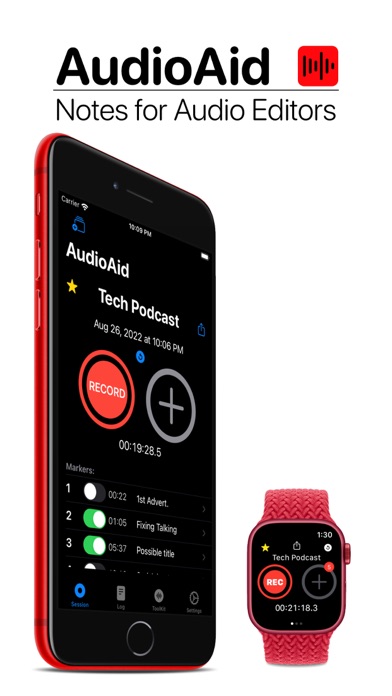
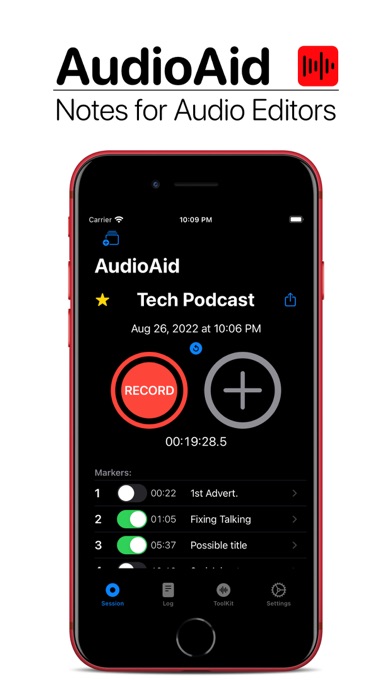
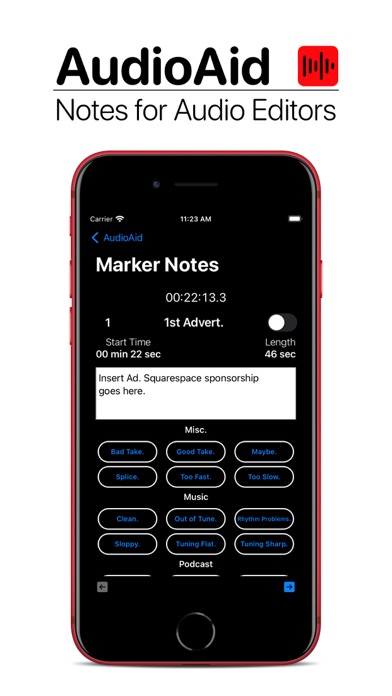
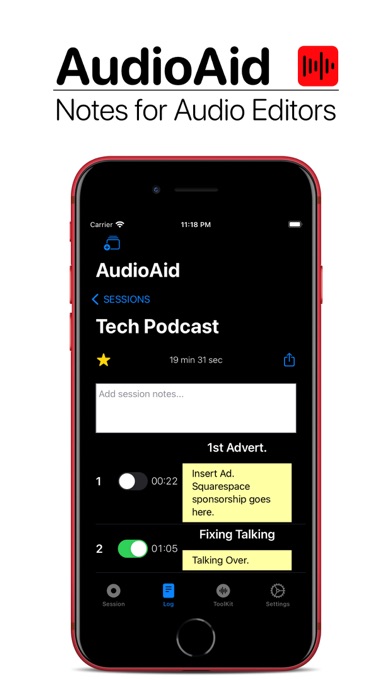
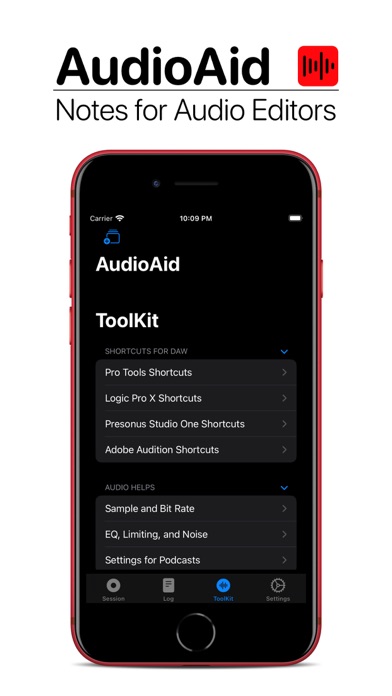
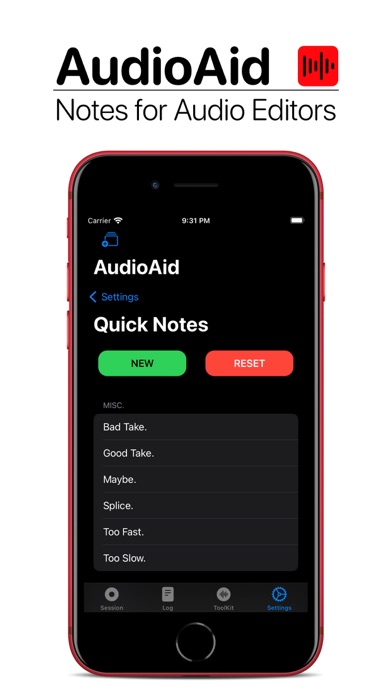
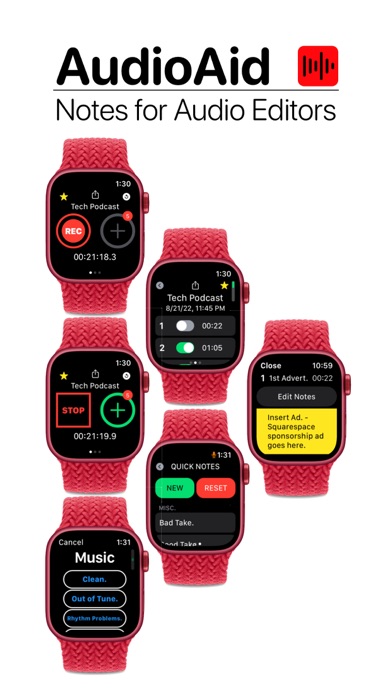
AudioAid is a note-taking app for recording engineers. Use AudioAid to track markers and take quick notes about which takes should be kept in your final edit.When you start recording on your computer or recording device, tap 'Record' in AudioAid to start tracking the recording time. AudioAid doesn't record audio but is instead a note-taking tool for tracking markers and creating notes about your recording session. Keep the timer running while you record. The closer you keep AudioAid running with your DAW, the more accurate the time stamps will be on the saved markers.After the recording is started, the "Add Marker" button will be enabled and turn green. Tap the "Plus" sign to add a marker. You can add a custom title or keep the generic 'Take...' title. Quick snippets of text allow for very
Screenshots
How to install AudioAid on iOS
- Download UnKeySign on your iPhone
- Import AudioAid IPA into UnKeySign
- Add your P12 certificate and provisioning profile
- Tap Sign — the app installs automatically