

Audio Trimmer - Music Editor
About
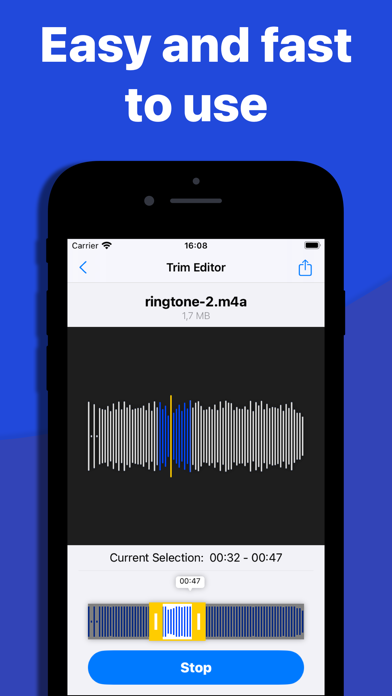
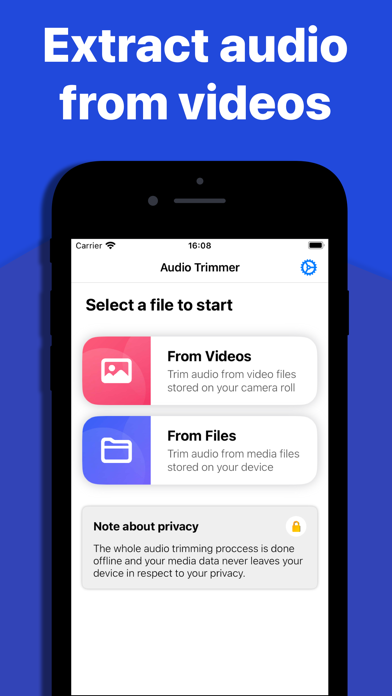
Introducing Audio Trimmer – Your Precision Sound Studio! Unleash the power of precision audio editing with our cutting-edge iOS app – Audio Trimmer! Whether you're a music enthusiast, podcaster, or video content creator, our app is your go-to tool for crafting seamless and crystal-clear audio experiences. Precision Trim, Down to the Millisecond: Say goodbye to rough cuts and hello to precision! Audio Trimmer empowers you to trim audio files with unparalleled accuracy, down to the millisecond. Audio Extraction from Videos: Transform your video content into audio masterpieces! Audio Trimmer seamlessly extracts audio from video files, giving you the flexibility to work with a wide range of multimedia content. Easily convert your favorite moments into captivating sound bites. Export in Hig
Screenshots
How to install Audio Trimmer - Music Editor on iOS
- Download UnKeySign on your iPhone
- Import Audio Trimmer - Music Editor IPA into UnKeySign
- Add your P12 certificate and provisioning profile
- Tap Sign — the app installs automatically