

AR Art Projector: Da Vinci Eye
About
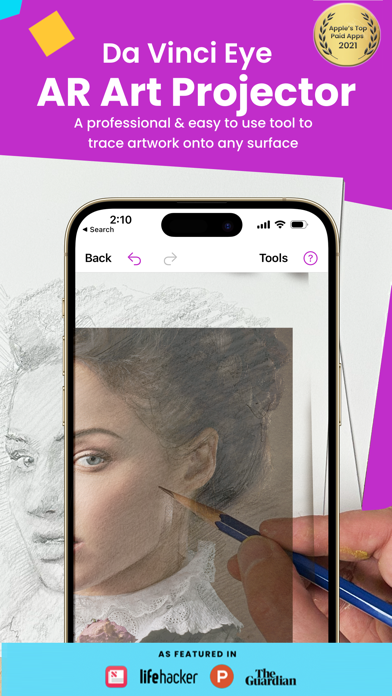
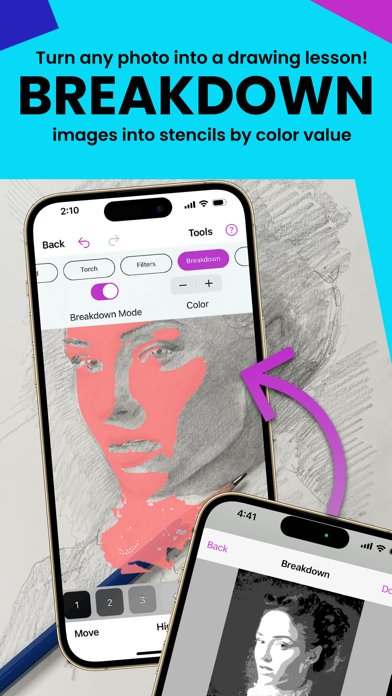
Featured in Watercolor Artist Magazine, Artists Magazine, LifeHacker, Apple News, The Guardian, AR / VR journey, and more!Da Vinci Eye is used by thousands of creatives from painters to bakers to make incredible artwork. The app is not just for tracing, it offers a wide range of drawing tools, lessons, daily drawing prompts, and a supportive community to share your artwork!IMPORTANT!: Please read how this app works below and the device requirements for AR Mode BEFORE purchasing.HIGHLIGHTS• Create incredible artwork from your own photos• Make hyper-realistic drawings with our strobe feature• Record time-lapse videos of your drawings• Separate images into layers by color value, then view those areas on your canvas• Easily learn the fundamentals of drawing• Breakdown any image into step-by-st
Screenshots




How to install AR Art Projector: Da Vinci Eye on iOS
- Download UnKeySign on your iPhone
- Import AR Art Projector: Da Vinci Eye IPA into UnKeySign
- Add your P12 certificate and provisioning profile
- Tap Sign — the app installs automatically