
Alarm Clock - Wake up Music
About
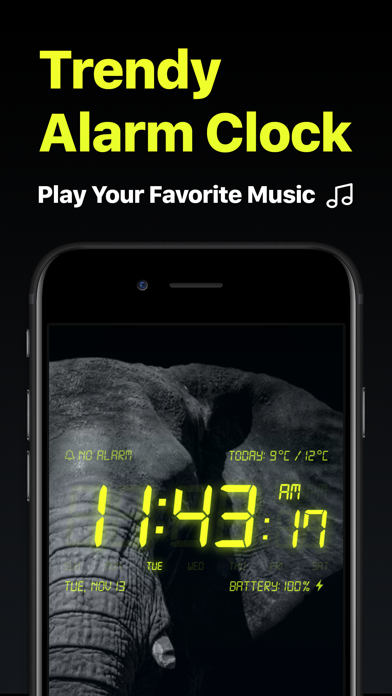
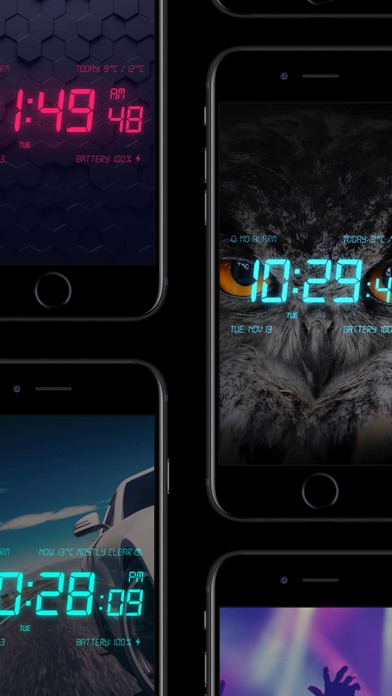
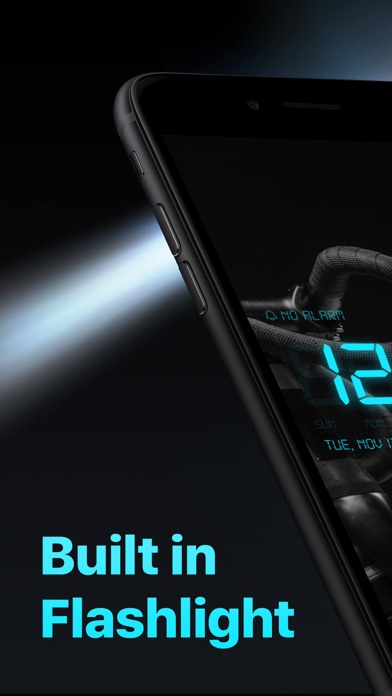
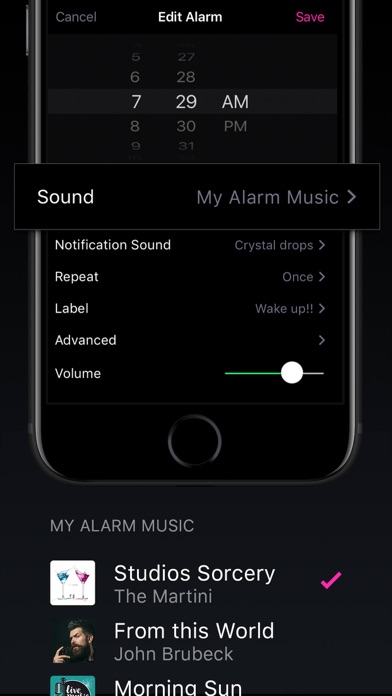
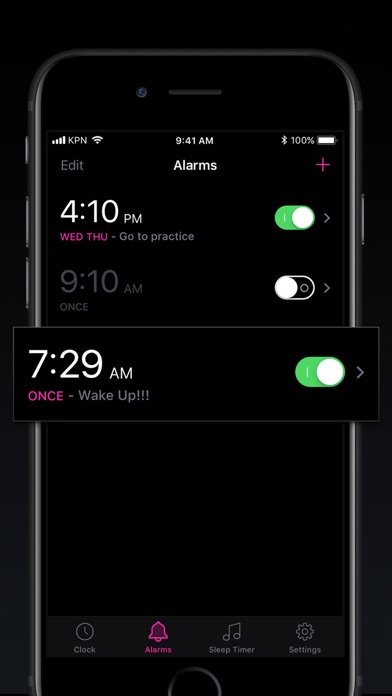
Wake up your way, every day! Set unlimited alarms, choose for Music or Alarm Sounds, and set up your Snooze preferences. Customize your Nightstand by adjusting it to the color you’d like for your clock display. Use the Sleep Timer to fall asleep to your favorite music playlist. Free in Alarm Clock• Unlimited Alarms: Apple Music or Alarm Sounds• Customize Nightstand display colors• BIG Snooze Buttons• Sleep Timer• Local Weather Information• Instant Flashlight - shake the device• Full watchOS 2 support• Screen Saver - for devices with OLED displayEnjoy Alarm Clock Ad-Free!Go Premium with the yearly subscription and enjoy an ad-free experience. • 3-Day Free Trial • Ad-Free • All Themes • Premium Customer Support The subscription is charged to your Apple ID account at confirmation o
Screenshots
How to install Alarm Clock - Wake up Music on iOS
- Download UnKeySign on your iPhone
- Import Alarm Clock - Wake up Music IPA into UnKeySign
- Add your P12 certificate and provisioning profile
- Tap Sign — the app installs automatically