
Aftercut
About
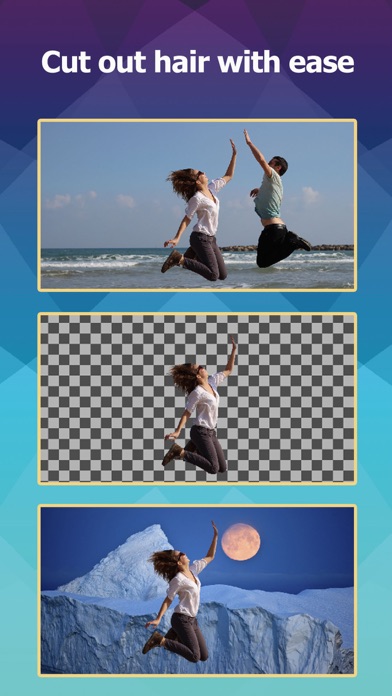
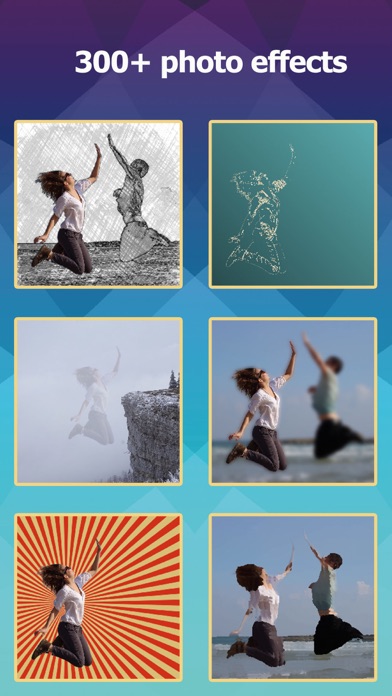
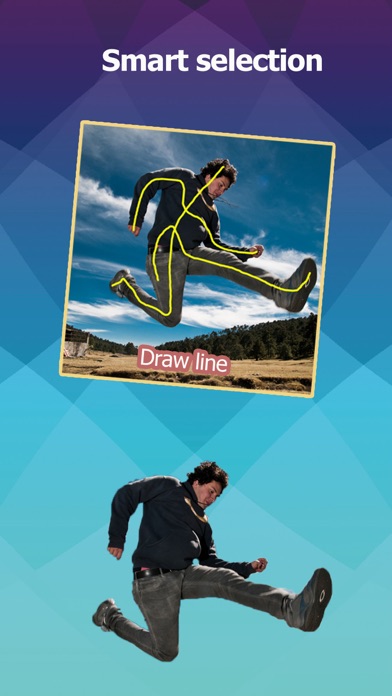
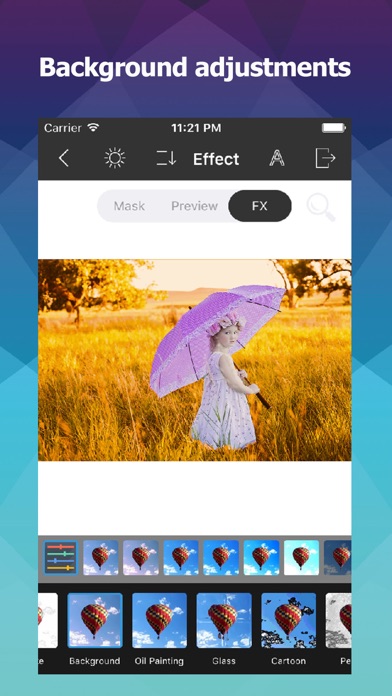
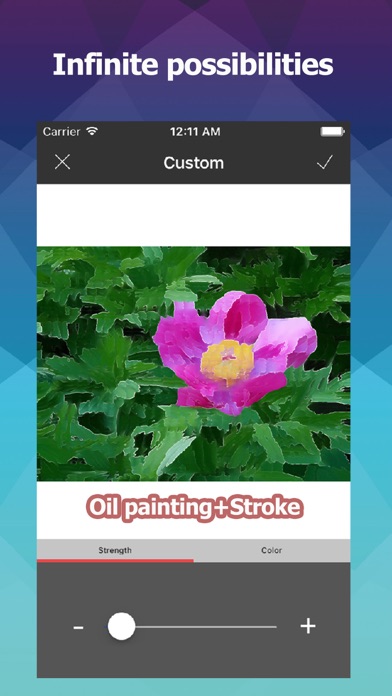
The easiest way to cut out and composite photos.With AfterCut, you can select objects, change background and add effects to your photos in SECONDS.7 CUT OUT TOOLSBoth manually selection tools and smart selection tools are included.Selecting and extracting objects can be easily done by several simple taps.40+ FILTERS & 300+ PREDEFINED EFFECTSYou can create Shadow, Highlight, Border, Popart, Cartoon, Blur, Glass, Pencil, Comic Book, Mosaic and more effects to your selected objects.Most of the effects are unique!21 BLEND MODES7 SELECTION ADJUSTMENT TOOLSSelection area can be feathered, extended, resized, adjusted and saved.TRANSPARENT PNG SUPPORTImporting and exporting transparent PNG images are fully supported.RESOLUTIONSiPhone 5 and above: 12 MPiPhone 4 and 4S: 4 MP
Screenshots
How to install Aftercut on iOS
- Download UnKeySign on your iPhone
- Import Aftercut IPA into UnKeySign
- Add your P12 certificate and provisioning profile
- Tap Sign — the app installs automatically