

Ad Blocker ·
About
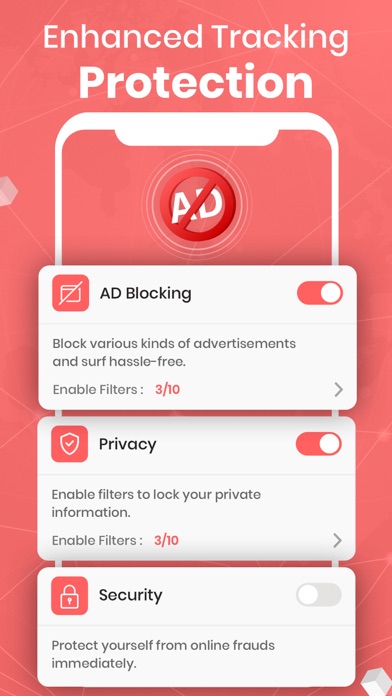
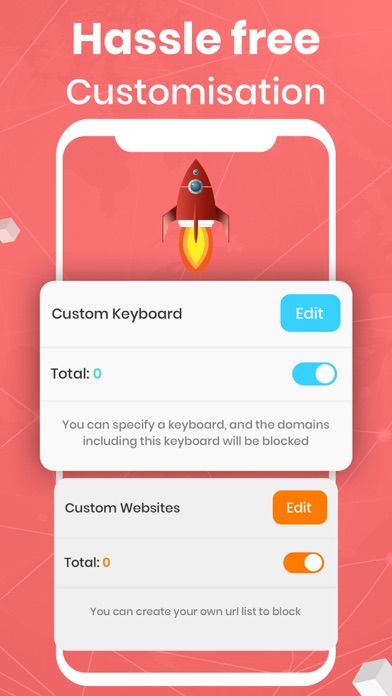
Ad-Blocker permits you to block ads on your iOS device. Get rid of 99% of annoying popups, banners, and video ads. Save data and speed up your Safari. Block ads, trackers, and unnecessary resources and drastically improve your day-to-day iOS experience.KEY FEATURES:→ Safari Ad Blocking: Have a safe experience while surfing on websites.→ Built-in Privacy Protection with Anti-Tracking: Say no to trackers with advanced protection.→ Faster Web Performance: Enhance your speed and browse way faster than usual.→ Save Battery Life: Intact battery life with full protection.→ Reduced Traffic Consumption: Now load webpages faster than usual.→ Save Money on Monthly Data Usage: Less data usage without compromising the quality.PRO FEATURES:→ Privacy: Enable Features like Fanboy Anti-Facebook list, AD Bl
Screenshots



How to install Ad Blocker · on iOS
- Download UnKeySign on your iPhone
- Import Ad Blocker · IPA into UnKeySign
- Add your P12 certificate and provisioning profile
- Tap Sign — the app installs automatically