

Acrosync - private cloud drive powered by rsync
About
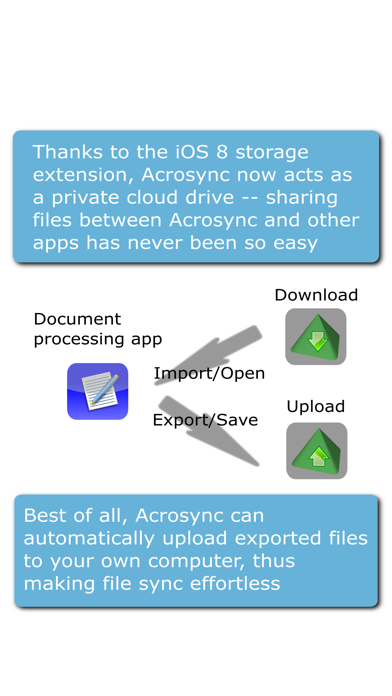
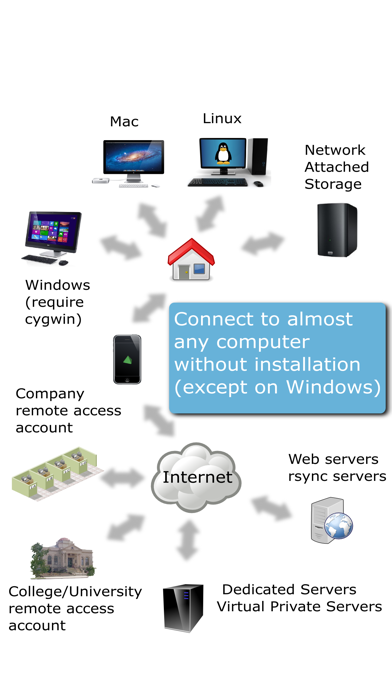
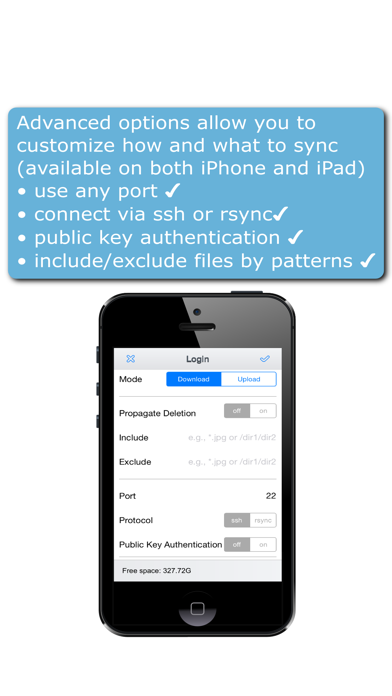
Acrosync is the only iOS app that implements the rsync protocol, a fast, efficient, and reliable folder synchronization protocol supported by most Mac/Linux computers, NAS, or remote servers without server side installation. As an rsync client, Acrosync lets you easily sync selected folders between your computers and your iOS devices. You just need one tap to start full folder sync, which is be smart enough to skip identical files and transfer only new or modified files. For modified files, it can even perform a differential sync algorithm and only transfer modified parts, in order to further save bandwidth and improve sync speed. File transfer can be encrypted to secure against unsafe networks, and verified using checksums to avoid corruptions. With advanced sync options, you can spec
Screenshots


How to install Acrosync - private cloud drive powered by rsync on iOS
- Download UnKeySign on your iPhone
- Import Acrosync - private cloud drive powered by rsync IPA into UnKeySign
- Add your P12 certificate and provisioning profile
- Tap Sign — the app installs automatically