

Ableton Note
About
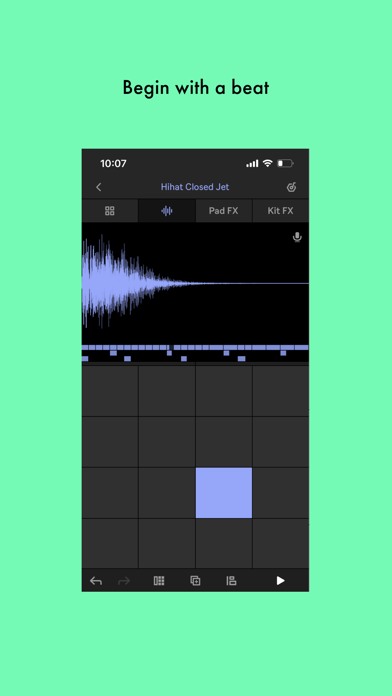
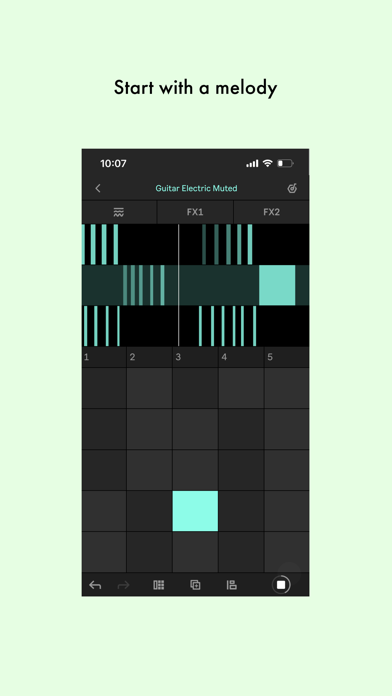
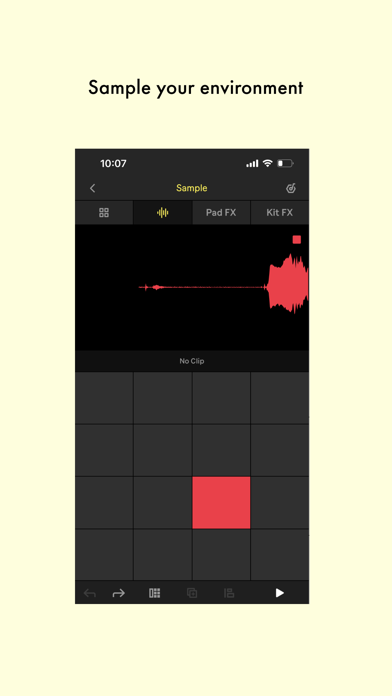
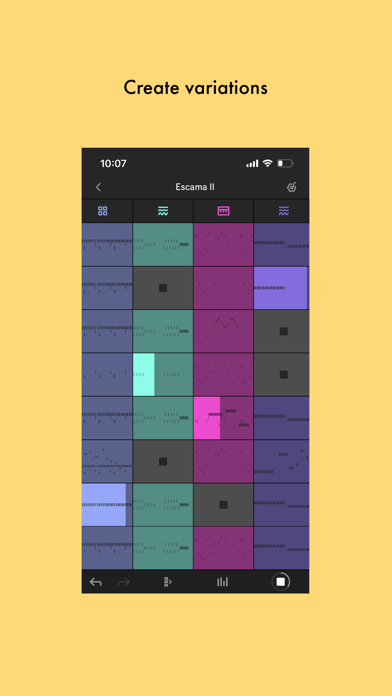
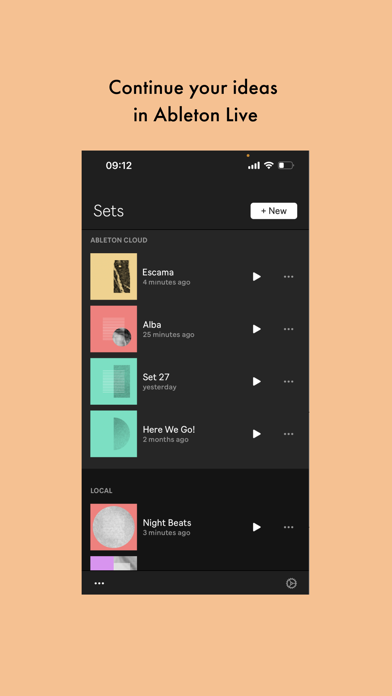
Note is a place to form ideas, experiment with sounds and find direction. Get your ideas out or play until inspiration hits using a selection of Ableton Live’s drum kits, synths and melodic instruments. Or create your own sound palette by recording the sounds around you into Note’s sampler instruments using your phone’s microphone. If you want to take your ideas further, use Ableton Cloud to send your projects to Live (version 11.2.5 or later) without leaving the app. Open your project from Live’s browser, then keep working – you can edit all your MIDI notes, and all your samples and sounds from Note are exactly the same.Begin with a beat: • Choose from 56 Drum Sampler kits• Tap out a beat using the 16-pad grid• Quantize your beat to fix any loose timing• Nudge notes to correct mistakes• A
Screenshots

How to install Ableton Note on iOS
- Download UnKeySign on your iPhone
- Import Ableton Note IPA into UnKeySign
- Add your P12 certificate and provisioning profile
- Tap Sign — the app installs automatically