

4k Live Wallpapers: WallPics
About
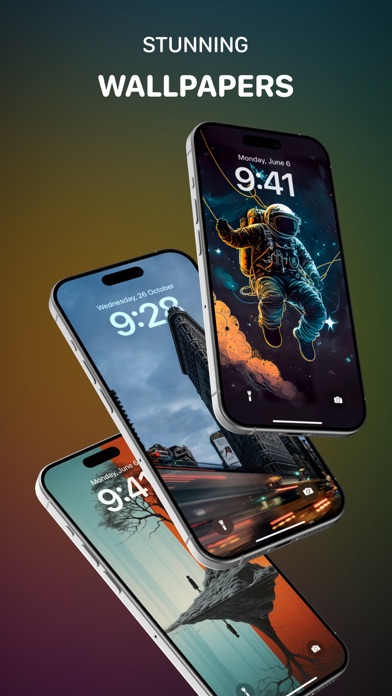
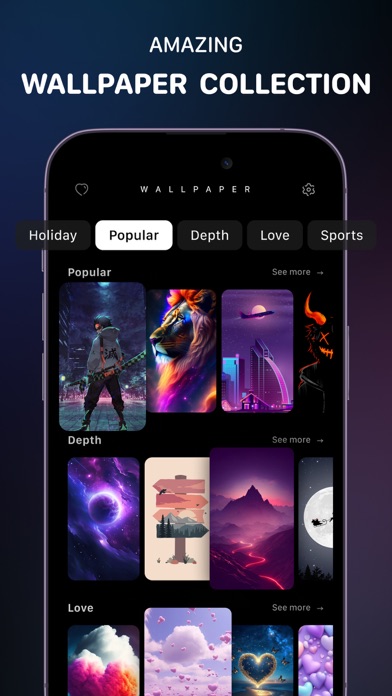
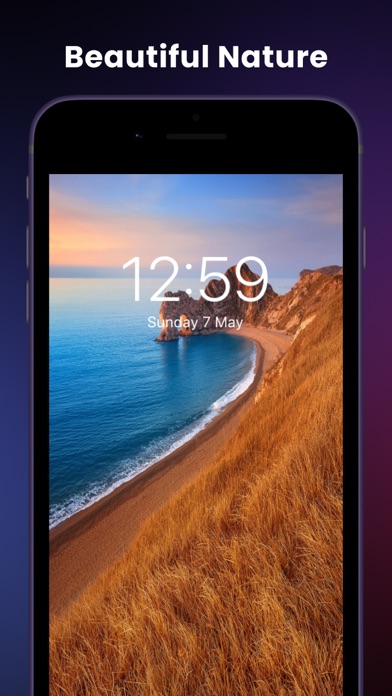
Sometimes we all need to refresh our minds. Animate your screen with spectacular time-lapse sceneries, hypnotic abstract dynamic patterns, or carrying your thoughts away. Install now and indulge your eyes with amazing High-Quality Live Wallpapers and also enjoy the cool UX of this app. Setting up a new Live Wallpaper is super easy, just open the app, save your favorite one from our collection, then go to your Photos, select the saved Wallpaper, and set it as your Lock-screen Wallpaper. Dive deep and try Depth Effect Wallpapers for iOS 16 with Wallpaper 4K! Style up your screen with Shuffle Wallpapers for iOS 16! IMPORTANT Live Wallpapers work only on 3D-touch devices like iPhone 12, iPhone 11 Pro, iPhone 11 Pro Max, iPhone Xs Max, iPhone X, iPhone 8 Plus, iPhone 7 & 7 Plus, iPhone 6s!
Screenshots






How to install 4k Live Wallpapers: WallPics on iOS
- Download UnKeySign on your iPhone
- Import 4k Live Wallpapers: WallPics IPA into UnKeySign
- Add your P12 certificate and provisioning profile
- Tap Sign — the app installs automatically