

3D modeling: Design my model
About
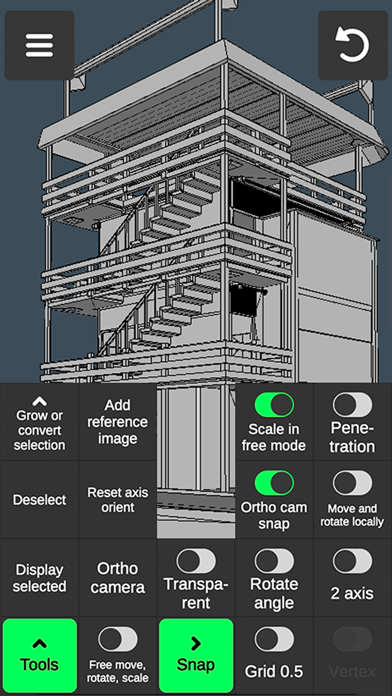
3D Modeling App lets you easily design 3D content on the go using gestures on iPhone or iPad. No need to use the Apple Pencil, but you can, if you want to. Tons of features: 1. Fast workflow: - Move, Rotate, Scale objects and camera by gestures switching between them on the go. - Easily multi-select Vertices, Edges, Faces and Objects by long tap or frame draw. 2. Vertex tools: Merge (Target merge, Collapse Edges, Collapse Faces), Connect, Create face by vertices. 3. Edge tools: Draw cut by single swipe or by set point by point, Cut loop (create new edge-loops), Select loop (also by double tap), Extrude, Delete, Select ring, Create face by border edge (fill the hole). 4. Face tools: Extrude, Draw face by set points, Detach, Clone, Select shell, Reverse, Delete. 5. Object tools: Combine,
Screenshots




How to install 3D modeling: Design my model on iOS
- Download UnKeySign on your iPhone
- Import 3D modeling: Design my model IPA into UnKeySign
- Add your P12 certificate and provisioning profile
- Tap Sign — the app installs automatically